
MILEFLASK / LOCAL & REMOTE ACCESS
No cell signal?
Start with the local link.
Camera range, local viewing and internet access are different connections. Plan the one you actually need.
- No camera SIM required
- LAN live view and playback
- Remote access needs internet
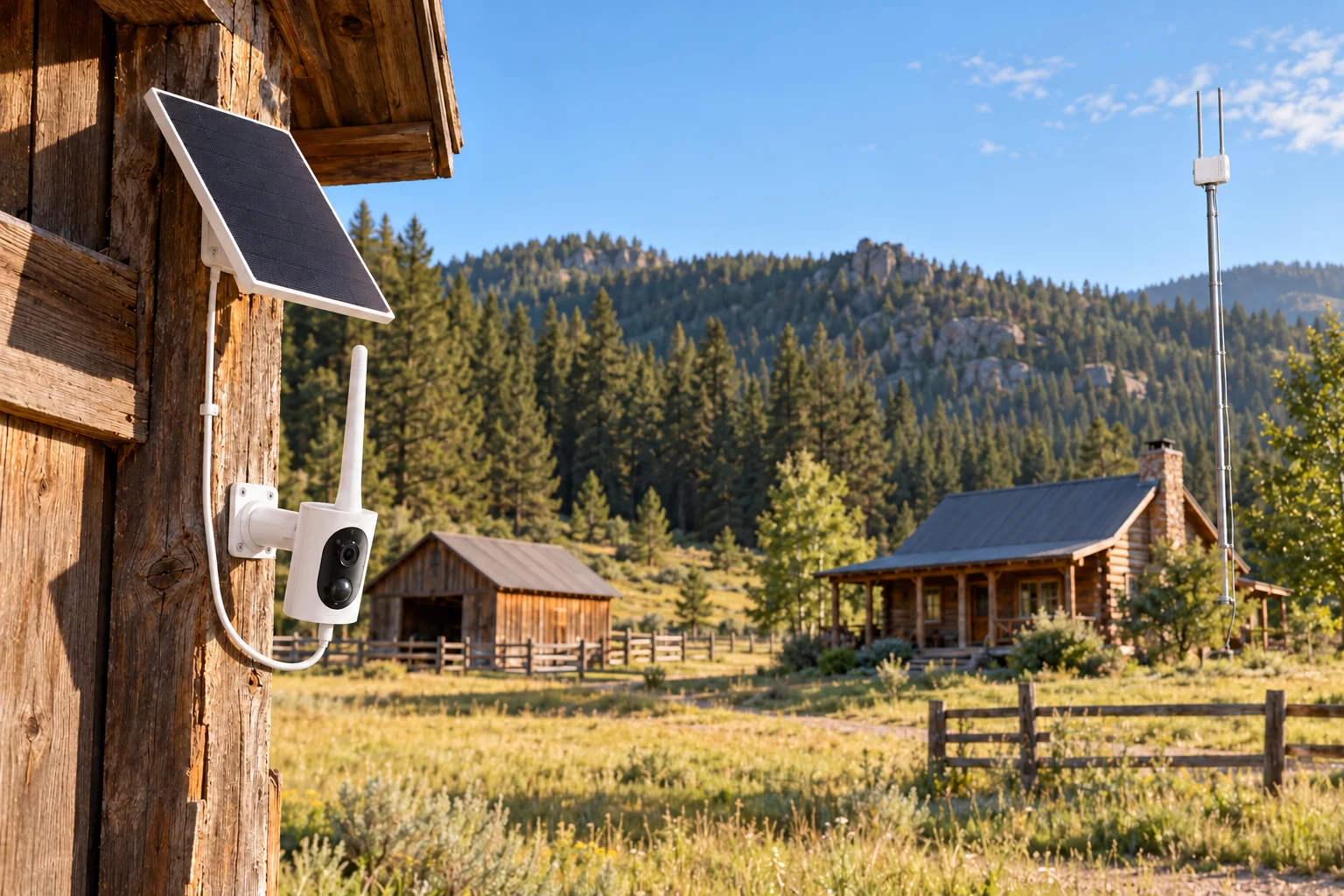
No cellular signal does not necessarily prevent camera monitoring. No internet is a different limitation: you may still view a compatible camera on the same local network, but you cannot assume that view will be available from another location.
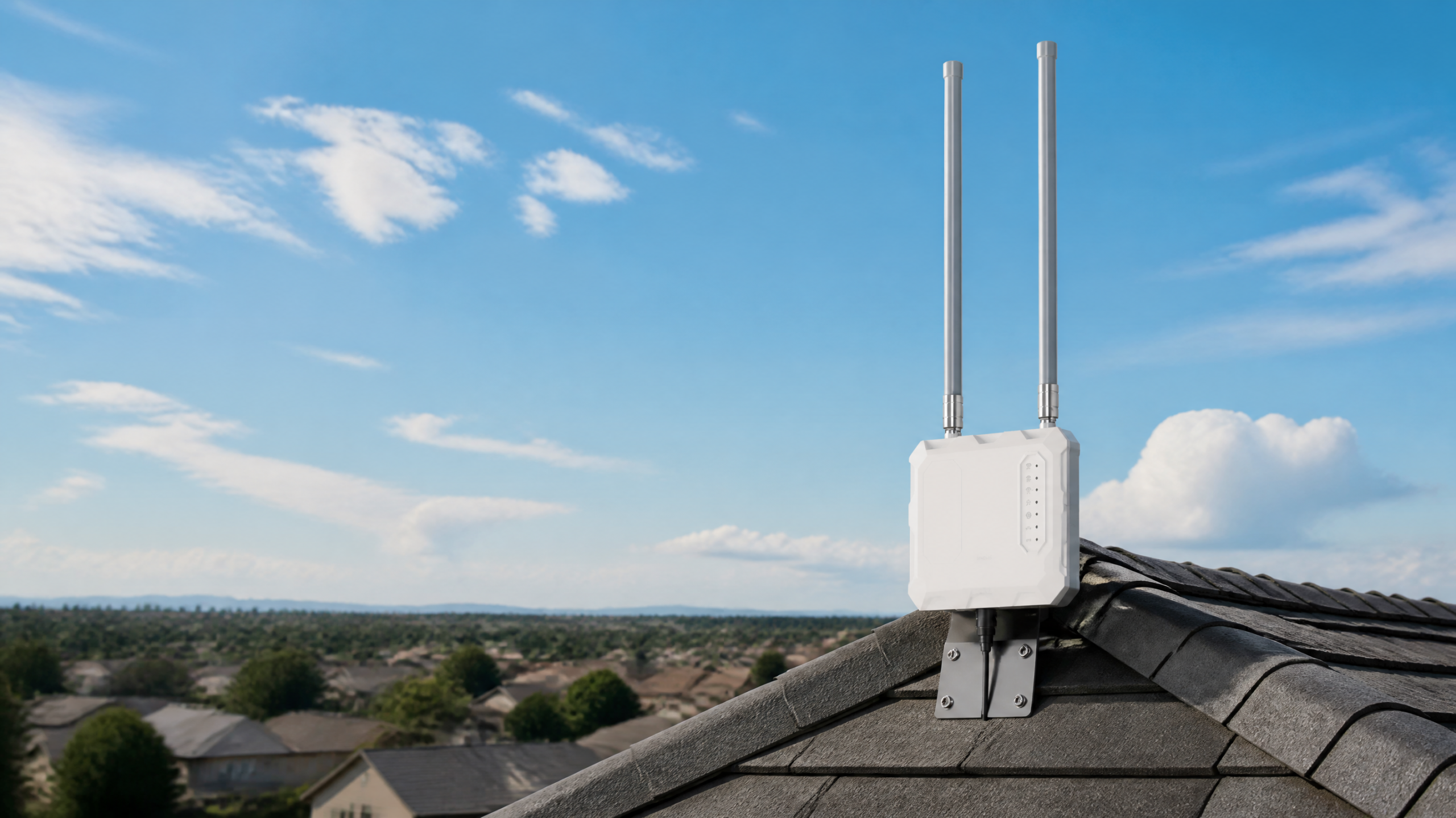
MileFlask cameras use a dedicated wireless link to a MileHub base station rather than a SIM in each camera. The app supports live view and playback over the local LAN. That distinction matters when planning a barn, rural property or gate installation.

There are two different connections to plan
A local Wi-Fi HaLow link. Each camera does not need cellular service.
On-site LAN access for live view and playback.
Needed for access from another location.
Do not confuse the camera’s wireless range with phone coverage. A camera can reach its base while your phone has no mobile signal. Equally, strong internet at the house does not mean ordinary home Wi-Fi reaches a distant camera.
What works in each situation?
| Your situation | Possible approach | Important limit |
|---|---|---|
| No mobile signal at the camera; home has internet | Connect MileHub to the home network. Cameras use their link to MileHub. | Remote viewing also needs internet on the viewing device. |
| No internet; you are on site | Use the app on the same local network as MileHub for live view and playback. | Keep the local network, base and cameras powered and connected. |
| No internet; you are away | Local recording can serve an on-site review workflow. | Do not expect live remote viewing without an internet path. |
| Internet drops temporarily | A functioning LAN can support local access. | An internet outage and a power outage are different events. |
Plan the local network before choosing camera positions
MileHub supports Ethernet and 2.4GHz/5GHz Wi-Fi 6 on the home-network side. MileFlask cameras connect to the base over Wi-Fi HaLow. They do not connect directly to your phone’s normal Wi-Fi or replace the home’s network equipment.
For an offline site, confirm the initial setup and app access procedure with support before travel. LAN viewing support should not be interpreted as a promise that every first-time account or setup step can be completed without internet.
- Decide where the base and local network equipment will receive continuous power.
- Confirm the phone can join the same local network as MileHub.
- Check camera-to-base reception at the actual proposed positions.
- Test local live view and playback using the intended phone and app.
- If remote access matters, test it from outside the local network while the site’s internet is available.
No SIM does not mean no power or no costs
Each MileFlask camera pairs with an 8W solar panel and a 4400mAh rechargeable battery. Solar charging depends on sunlight and placement. MileHub requires power; the camera solar panels do not power the base, the home router or a satellite terminal.
MileHub includes 64GB eMMC storage and supports up to eight cameras. Local recording does not require a storage subscription or a camera cellular data plan. Equipment, electricity and any home internet or optional services remain separate costs.
Distance and obstacles still matter
The camera-to-MileHub link supports up to one mile under suitable conditions. LOS is required, with adequate Fresnel zone clearance. In plain language, you need a clear direct path and enough open space around it. Terrain, buildings and trees can make an installation unsuitable even when the straight-line distance seems short.
Explore the clear-path explanation. If the house already uses Starlink, read the separate Starlink connection guide; Starlink internet and camera range solve different parts of the problem.
Can I watch from town if the property has no internet?
Do not plan on it. Viewing away from the property’s LAN needs internet at MileHub and on the viewing device.
Will a phone hotspot replace the camera-to-base link?
No. The camera-to-base connection remains separate. Any proposed internet uplink must be checked for the specific network setup and its data costs.
Explore MileFlask kits →Check your offline-site setup with support