
MILEFLASK / RUNNING COSTS
No camera data plan.
Understand the other costs.
Separate camera cellular plans, local storage and home internet costs before choosing how to watch a distant gate or barn.
- No SIM in each camera
- Local recording at the base
- Internet and power remain separate

A distant gate or barn can create two recurring-cost questions: does each camera need a cellular data plan, and do you need a subscription to save recordings? Those questions are separate from how the camera connects and receives power.
This guide focuses on long-range outdoor sites. For indoor window installation and a broader comparison of storage choices, see our no-storage-subscription camera guide.
What “no monthly fee” means for MileFlask
- The camera-to-MileHub link uses Wi-Fi HaLow, with no camera SIM or cellular data plan.
- MileHub includes 64GB eMMC for local recording; a storage subscription is not required for this local storage.
- Your home internet or satellite-internet subscription, electricity and any optional paid services are separate.
- Buying a kit is still an upfront cost. Check the current kit contents and price on the product page.
Check the wireless route before comparing fees
MileFlask supports an up-to-1-mile camera-to-MileHub link. LOS is required, with adequate Fresnel zone clearance: the devices need a clear view and sufficient open space around the path. A hill or dense trees can make even a short route unsuitable.
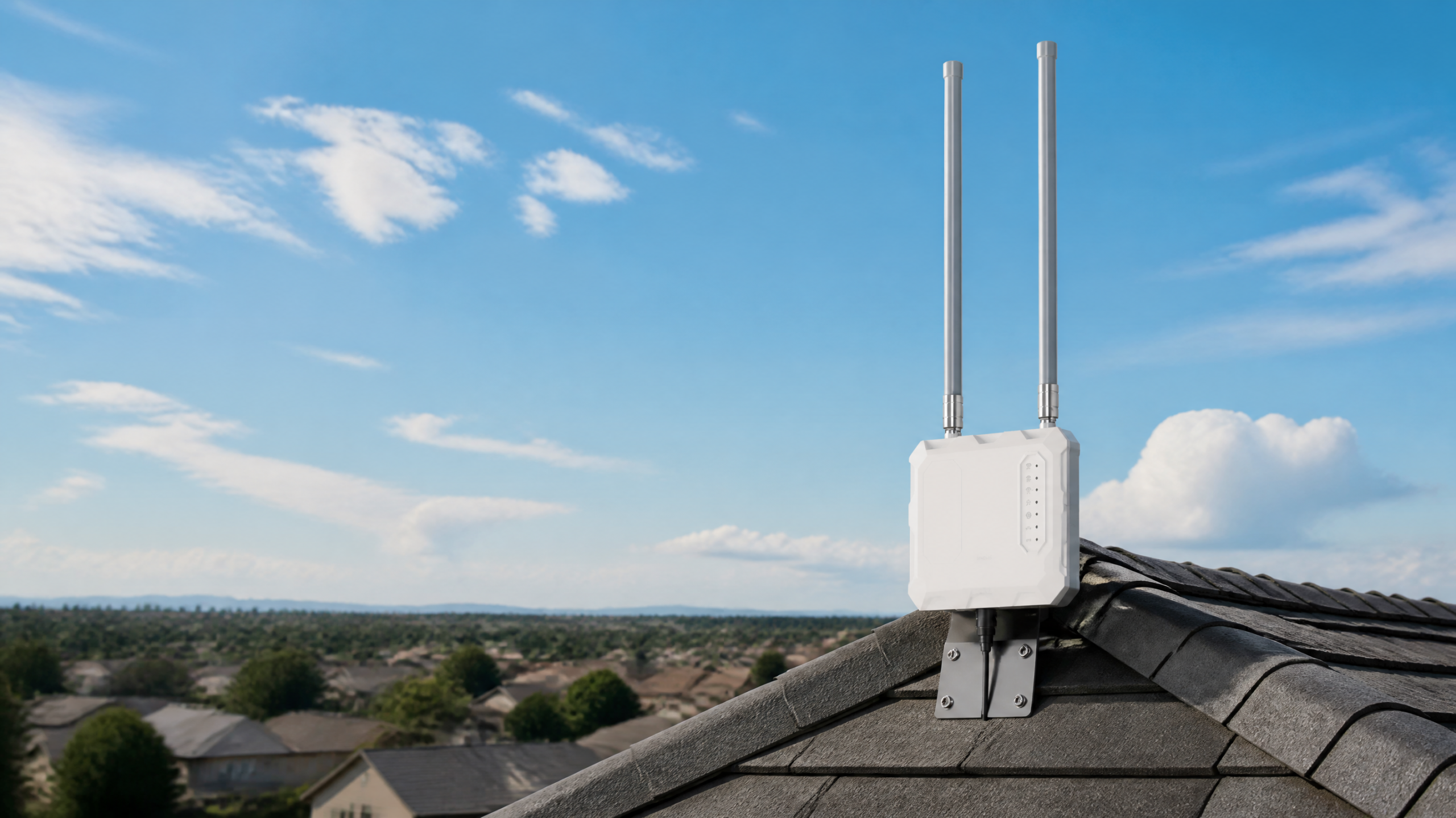
The cameras connect to MileHub, not directly to a regular home router. MileHub connects to your home network over Ethernet or compatible Wi-Fi. It needs its own power supply.
What you pay for—and what you do not
| Item | MileFlask local-storage setup |
|---|---|
| Camera cellular data plan | Not required for the camera-to-base link |
| Required local-storage subscription | Not required; 64GB eMMC is included in MileHub |
| Internet for viewing away from home | Required at the base location and on the viewing device; service charges are separate |
| Camera power | 4400mAh rechargeable battery with an 8W solar panel; charging depends on placement and sunlight |
| Base power and maintenance | Still required; account for installation and ongoing care |
Local viewing is different from remote viewing
On the same LAN as MileHub, the app can show live video and playback without internet. To check your property while away, both the base location and your phone or other viewing device need internet. An internet connection alone does not overcome an obstructed camera link.
A practical buying checklist
- Measure the route between each camera and the proposed base station.
- Check sight lines and open clearance; use an appropriate elevated pole location for the base.
- Check power at MileHub and sunlight where each panel will sit.
- Choose the camera count: MileHub supports up to eight cameras.
- Review 2560 × 1440 resolution, 130° view and IP65 camera protection against your actual needs.
- Test daytime/nighttime views and local/remote access before final mounting.
Choose the relevant scenario
See barn and outbuilding coverage, driveway and gate monitoring, or a Starlink-connected property. For the technology behind the link, read the Wi-Fi HaLow buying guide.
Can I use it where the camera location has no cellular reception?
The camera link does not need cellular reception. It does need power and a suitable connection to MileHub. Remote viewing requires internet at the base location, which may be provided by your existing home service.
Does no monthly fee mean every possible service is free?
No. It refers here to no required camera cellular plan and no required subscription for included local storage. Internet service and optional paid services are separate.
How long will storage last?
Retention depends on recording settings and activity. Do not infer a guaranteed duration from storage capacity alone.