
How to View Security Camera Footage Remotely From Your Phone: Your Ultimate Guide
In today’s fast-paced world, peace of mind often comes with the ability to keep an eye on what matters most, no matter where you are. Home security cameras have evolved significantly, moving beyond simple local recording to offering seamless remote access. The question isn’t just “do I need a security camera?” but “how can I view security camera remotely phone?” This comprehensive guide will walk you through everything you need to know about accessing your security camera footage from your smartphone, ensuring you’re always connected to your home.
Whether you’re at work, on vacation, or simply in another room, being able to check on your pets, children, or property with a few taps on your smartphone is incredibly empowering. We’ll delve into the technology behind remote viewing, the setup process, and what to look for in a reliable system, including a spotlight on innovative solutions like the ShowMo WinEye. By the end of this article, you’ll be well-equipped to choose and set up a system that keeps your home secure and accessible from anywhere.
Understanding the Technology: How Remote Access Works
The magic behind viewing your security camera remotely from your phone involves a combination of hardware, software, and network connectivity. Here’s a breakdown of the key components:
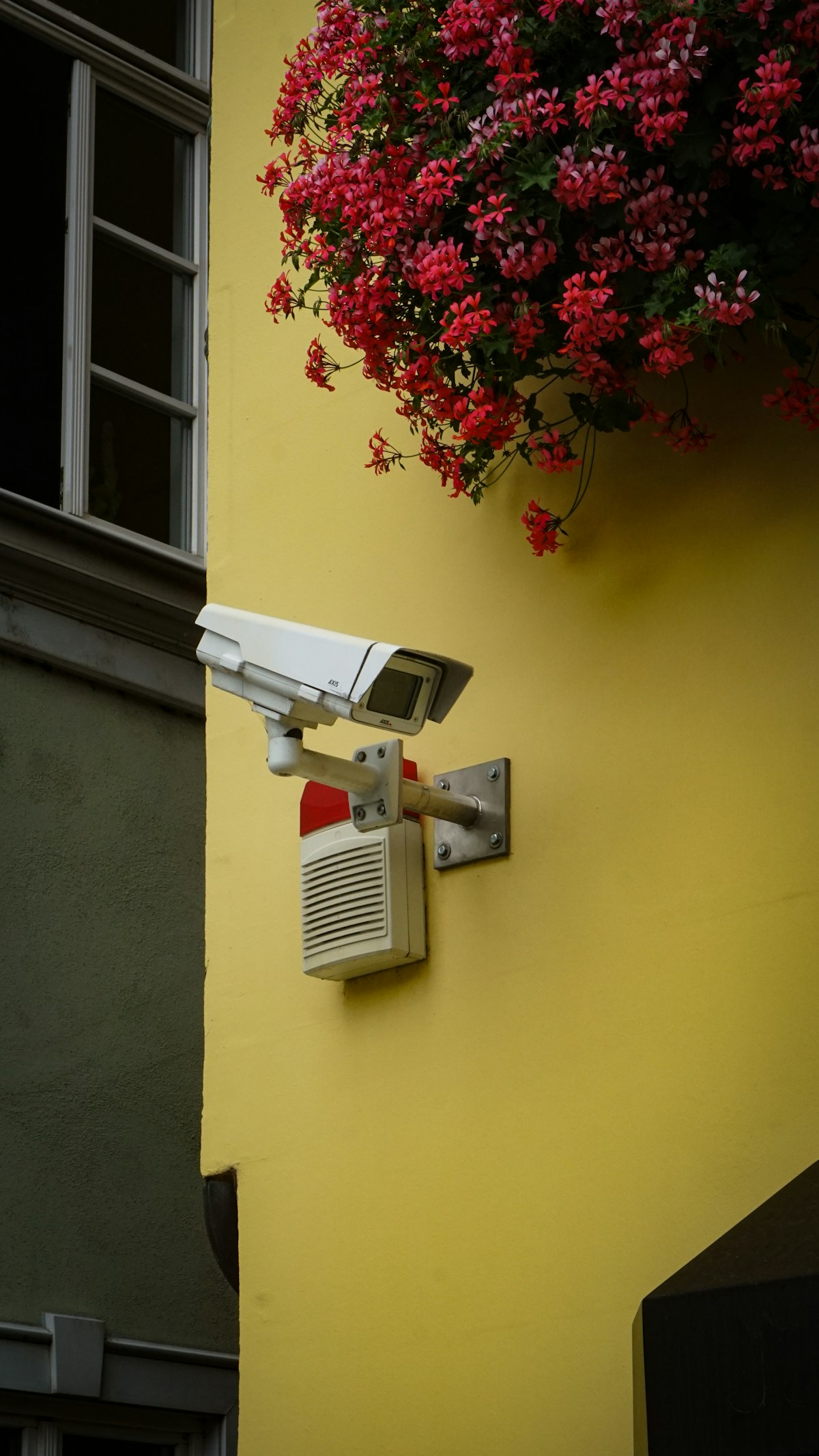
- The Camera Itself: Modern IP cameras (Internet Protocol cameras) are designed to connect directly to your home network. Unlike older CCTV systems that required dedicated recording devices, IP cameras can stream video data digitally.
- Your Home Network (Wi-Fi/Ethernet): This is the backbone. Your camera connects to your home router, which then connects to the internet. A stable and strong Wi-Fi connection is crucial for smooth streaming.
- The Internet: This allows the data from your camera to travel from your home network to your smartphone, no matter how far away you are.
- Cloud Services or Local Storage: Many cameras offer cloud storage options, where footage is uploaded and stored securely online. This provides an additional layer of security and accessibility. Some cameras also allow for local storage (SD cards, NVRs) which can then be accessed remotely.
- Mobile App (the “Security Camera Mobile App 2026” standard): This is your control center. Reputable manufacturers provide a dedicated app for their cameras. This app connects to the camera via the internet, allowing you to view live feeds, access recorded footage, receive alerts, and even control camera functions (like pan/tilt) remotely.
Essentially, your camera captures video, encrypts it, sends it through your home network to the internet, and then the dedicated mobile app on your phone decrypts and displays that video for you. This encrypted connection is vital for maintaining privacy and preventing unauthorized access.
Setting Up Remote Viewing: A Step-by-Step Guide
Getting your security camera connected for remote viewing is generally straightforward, but the exact steps can vary slightly depending on your camera model. Here’s a general outline:
- Install Your Camera: Physical installation is the first step. For indoor cameras, this might be as simple as placing it on a shelf. For outdoor cameras, consider mounting it strategically to cover key areas. Ensure it has a power source.
- Download the Manufacturer’s App: Search for the official app for your specific camera model in the App Store (for iOS) or Google Play Store (for Android). This will be your remote access security camera app.
- Create an Account and Log In: Most apps require you to create a user account. Use a strong, unique password for security.
- Connect the Camera to Your Wi-Fi:
- In-App Setup: Follow the in-app instructions. This often involves scanning a QR code on the camera, connecting your phone to a temporary Wi-Fi signal broadcast by the camera, or manually entering your home Wi-Fi credentials.
- WPS (Wi-Fi Protected Setup): Some cameras support WPS. If your router has a WPS button, you might press it and then initiate WPS on the camera for an easy connection.
- Configure Camera Settings: Within the app, you can usually:
- Name your camera (e.g., “Front Door,” “Living Room”).
- Adjust video quality and recording schedules.
- Set up motion detection zones and sensitivity.
- Enable push notifications for alerts.
- Test Remote Access: Once connected, try switching off your phone’s Wi-Fi and using cellular data to access the camera feed. This simulates remote access and confirms everything is working correctly.
Troubleshooting Tip: If you experience connection issues, ensure your Wi-Fi signal is strong where the camera is located. Restarting your router and camera can often resolve minor glitches. Also, check for firmware updates for your camera within the app.
Key Features to Look for in a Remote Access System
When you’re looking for a security camera system that allows you to view security camera remotely phone, several features can significantly enhance your experience and security:
- Reliable Mobile App: This is paramount. The security camera mobile app 2026 standard means it should be intuitive, stable, and offer all necessary controls. Look for apps with high ratings and good reviews.
- High-Resolution Video: 1080p is a good baseline, but 2K or even 4K can provide much clearer details, especially for identifying faces or license plates. This is crucial when you need to zoom in on footage.
- Night Vision: Essential for 24/7 monitoring. Infrared (IR) night vision is common, but color night vision (often achieved through advanced sensors or ambient light) offers superior detail.
- Two-Way Audio: Allows you to listen in and speak through the camera. This is great for communicating with delivery drivers, family members, or deterring intruders.
- Motion Detection and Alerts: Customizable motion zones and sensitivity help reduce false alarms. Instant push notifications to your phone keep you immediately informed of any activity.
- Cloud Storage and Local Storage Options: A combination of both offers the best flexibility. Cloud storage protects footage from theft or damage to the camera, while local storage can be a cost-effective backup.
- Easy Installation: Drill-free or minimal-tool installation designs make it easier for homeowners to set up their systems without professional help.
- Integration with Smart Home Ecosystems: Compatibility with Amazon Alexa, Google Assistant, or Apple HomeKit can allow for voice control and integration into broader smart home routines.
Comparison: Traditional vs. Modern Remote Access Scenarios
To highlight the benefits of modern remote access solutions, let’s look at how they compare to older methods or basic setups:
| Feature/Scenario | Older/Basic Setup (e.g., analog CCTV + DVR) | Modern IP Camera System (e.g., ShowMo WinEye) |
|---|---|---|
| Remote Viewing | Complex setup, likely requires port forwarding, limited mobile support. | Simple app-based connection, no technical networking knowledge needed. |
| Installation | Often requires professional wiring and significant drilling. | DIY-friendly, often wireless, no-drill options available. |
| Video Quality | Standard definition (e.g., 480p), lower clarity. | High-definition (1080p, 2K, 4K), clearer images and detail. |
| Night Vision | Basic IR, often black and white, limited range. | Advanced IR, sometimes color night vision, wider range, greater clarity. |
| Connectivity | Coaxial cables to DVR. | Wi-Fi, Ethernet, P2P (peer-to-peer) for direct access. |
| Alerts/Notifications | Limited, often email-based, less immediate. | Instant push notifications to mobile, customizable zones. |
| Two-Way Audio | Rare or requires additional hardware. | Commonly integrated feature. |
| Storage | Local DVR only, vulnerable to theft. | Local SD card and/or secure cloud storage options. |
| “Security camera mobile app 2026” standard | Non-existent or outdated. | Intuitive interface, advanced features, regular updates. |
As you can see, modern systems offer a vastly superior and more user-friendly experience for remote access.
Product Spotlight: ShowMo WinEye – Your No-Drill, 4K Solution
When searching for a security camera that excels in remote access and ease of use, the ShowMo WinEye stands out as an innovative solution. Designed specifically for hassle-free outdoor monitoring from an indoor setup, it perfectly addresses the need to view security camera remotely phone without complicated installation. ShowMo WinEye offers a unique approach to outdoor security by being a window-mounted camera, eliminating the need for drilling or complex wiring.
Here’s why the ShowMo WinEye is an excellent choice for remote viewing needs:
- No-Drill Installation: A major pain point for many homeowners is the process of drilling holes for outdoor cameras. The WinEye circumvents this entirely, mounting securely indoors on your window. This not only simplifies installation but also protects the camera from the elements and potential tampering, while still providing a clear view of your outdoor perimeter.
- 4K Night Vision: Clarity is paramount, especially at night. The ShowMo WinEye boasts impressive 4K night vision capabilities, ensuring that you get detailed, high-resolution footage even in low-light conditions. This means better identification of objects and individuals, which is crucial for effective security.
- Seamless Mobile App Integration: Like all modern security solutions, the WinEye comes with a dedicated and user-friendly mobile app. This app serves as your command center, allowing you to view live streams, access recorded footage, receive instant alerts, and manage all camera settings from anywhere in the world. It embodies the “remote access security camera app” ideal.
- Discreet Outdoor Monitoring: By being installed indoors, the WinEye offers discreet surveillance. It’s less noticeable to passersby and potential intruders, yet its advanced optics provide a comprehensive view of your outdoor space.
- Easy Setup: The combination of no-drill installation and intuitive app-based setup means you can have the ShowMo WinEye up and running, providing remote access to your outdoor view, in minutes.
If you’re looking for a simple, effective, and high-quality way to keep an eye on your home’s exterior without the installation fuss, the ShowMo WinEye is definitely worth considering. Its commitment to user-friendliness and advanced features makes it a prime example of the “security camera mobile app 2026” standard.
Frequently Asked Questions About Remote Security Camera Access
Here are some common questions about viewing security camera footage remotely from your phone:
- Do I need Wi-Fi to view my security camera remotely?
Yes, your security camera needs to be connected to your home’s Wi-Fi network (or wired to your router via Ethernet) to send data to the internet. Your phone then uses its own internet connection (Wi-Fi or cellular data) to access that data from anywhere. Without an internet connection for the camera, remote viewing is not possible.
- Is it safe to view my security camera footage from my phone?
Generally, yes, it’s safe, provided you use a reputable camera brand and their official app. Reputable manufacturers use strong encryption methods (like WPA2 for Wi-Fi and SSL/TLS for data transfer) to protect your video feed from unauthorized access. Always use strong, unique passwords for your camera system and Wi-Fi network, and enable two-factor authentication if available.
- Can I view recorded footage remotely, or just live feeds?
Most modern security camera systems allow you to view both live feeds and recorded footage remotely through their dedicated mobile apps. If your camera has local storage (SD card) or utilizes cloud storage, you can typically access past recordings, review events, and even download clips directly to your phone. The specific duration of accessible recordings depends on your storage solution and any associated subscription plans.
Conclusion
The ability to view security camera remotely phone has transformed home security, offering unparalleled convenience and peace of mind. With the right security camera mobile app 2026-ready system, you can keep an eye on your home, loved ones, and possessions from virtually anywhere in the world. By understanding the underlying technology, following simple setup procedures, and prioritizing key features like high-resolution video and reliable night vision, you can build a robust and accessible security system.
Solutions like the ShowMo WinEye exemplify how innovation is making home security more user-friendly and effective than ever, providing a high-quality, no-drill option for comprehensive outdoor monitoring. Embrace the power of remote access and unlock a new level of control over your home’s safety and security.