
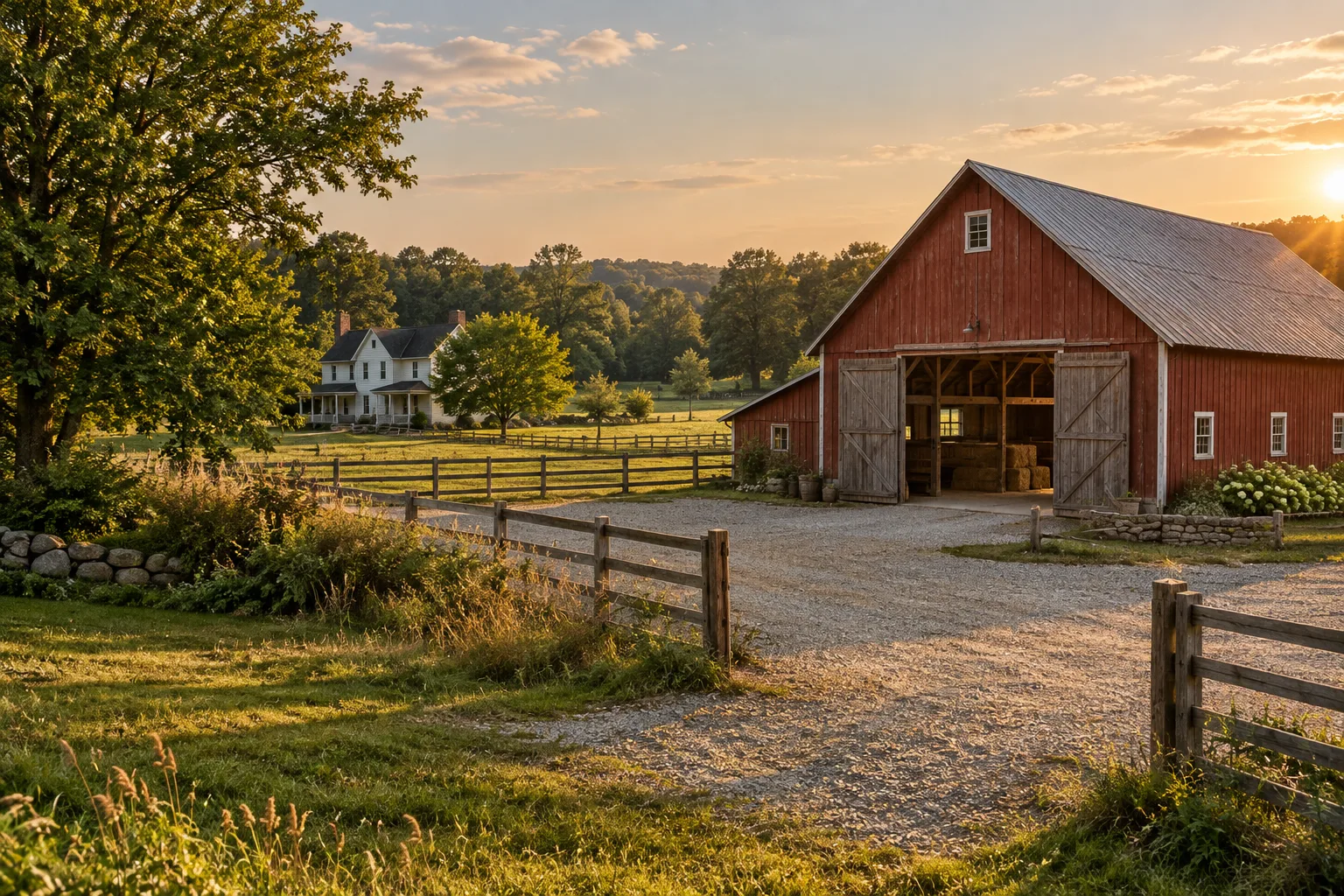
Your barn. Connected.UP TO1 MILE
Bring a distant barn or outbuilding into view with a MileFlask camera connected to a MileHub base station.
LOS required, with adequate Fresnel zone clearance. Up to 1 mile between the MileFlask camera and MileHub base station. What does this mean?
Shop MileFlask camera kits →MileFlask camera ↔ MileHub base stationAI scene illustration, not a customer installation. No coverage or installation performance is implied.
Internet at home. No Wi-Fi at the gate?
MileFlask cameras link to MileHub over Wi-Fi HaLow, so each camera does not need a cellular data plan. Put your existing home internet connection to work for a distant barn or entrance.
Have Starlink at home?
Plan a connection from your internet router to MileHub, then a HaLow link to the cameras. Check your Starlink model’s network ports and any adapter requirements with support before ordering. This is a network setup scenario, not a claim of Starlink certification.
No reliable 4G at the camera?
The camera-to-MileHub link uses Wi-Fi HaLow rather than a cellular network. You still need a suitable signal path to the base station; hills, buildings and trees can limit that link.
Avoid a camera cellular plan
No separate SIM or cellular data plan is needed for each MileFlask camera. Your home internet service and its charges still apply. Remote viewing requires an internet connection at MileHub.
Two connections to plan: home internet/router → MileHub; MileHub ↔ MileFlask camera. MileFlask is not a replacement for internet service or a general-purpose Wi-Fi extender. For up to 1 mile: LOS required, with adequate Fresnel zone clearance. See the range explanation.
MileFlask cameras. MileHub base station.
MileFlask is the camera at your barn or gate. MileHub is the base station it connects to over Wi-Fi HaLow. Solar panels support camera charging.
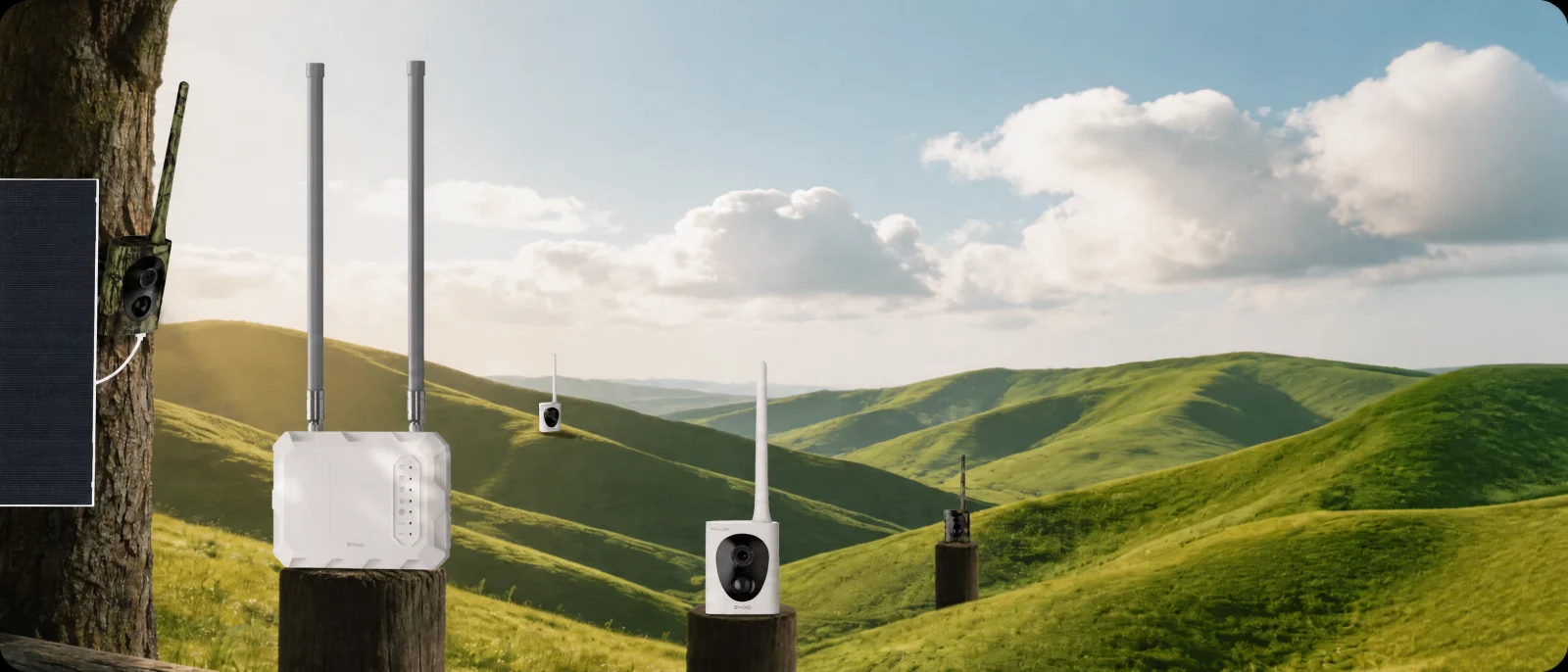
Official product composition. Models and quantities shown are illustrative; check your selected kit for its exact contents.
1MileHub base station
The base station connects the camera system. Review its network and power setup before choosing a location.
2MileFlask cameras
Place each camera for a useful view, then test its connection to MileHub before permanent mounting.
3Solar panels
Plan panel placement around the sunlight at your site. Follow the guide for charging and installation.
Choose a kit. Leave room to grow.
The official product page recommends starting with two cameras and checking performance before expanding. The setup guide describes support for up to eight cameras per MileHub.
2 MileFlask cameras
Check contents, finishes and current availability.
Shop this kit →4 MileFlask cameras
Check contents, finishes and current availability.
Shop this kit →6 MileFlask cameras
Check contents, finishes and current availability.
Shop this kit →8 MileFlask cameras
Check contents, finishes and current availability.
Shop this kit →Live prices and availability are on the product page. For time-sensitive installations, confirm dispatch timing with support.
A clear view is only the beginning.
For up to 1 mile of wireless range between your MileFlask camera and MileHub base station: LOS required, with adequate Fresnel zone clearance.
Base stationMileFlask
Camera
Direct path: clear
First, check the direct line.
Line of sight (LOS) means an unobstructed straight path between the two antenna locations. Here, the tree is below that line.
Concept illustration, not to scale or a coverage prediction. The Fresnel zone is a three-dimensional region around the direct path, not a visible beam. Required clearance depends on frequency, distance and the site. No mounting height or link performance is guaranteed by this animation.
From your network to the barn.
Network & MileHub base station
Choose a suitable hub location with the network and power setup described in the guide.
MileFlask at the barn
Barn entrance, yard and detached storage: choose the view and a practical solar-panel position.
Connection schematic, not a measured site layout. Metal walls, trees and terrain can reduce range. Test the intended locations before mounting; open-space range is not a coverage guarantee.
No internet? Use the app on your LAN.
Live view and playback on the local network
With your phone and MileFlask system on the same local network, the app supports live video and recorded-video playback even without an internet connection. You need to be connected to that LAN; this is not access from another location.
Viewing from away from the property
To view from outside the local network, MileHub needs an internet connection and your phone needs internet access. A cellular plan is not required for each MileFlask camera.
Plan your MileFlask installation
Start with the areas you want to see, then check the path between each camera and MileHub before choosing your kit.
Will it work through a metal barn or dense trees?
Metal structures, trees and terrain can reduce range. Choose a clear signal path where possible and test the link at the intended locations before permanent mounting. An advertised open-space range is not a guarantee for your property.
Does it record continuously?
The MileFlask guide describes motion-triggered recording, not continuous 24/7 recording. Check that this matches the monitoring you need.
What should I check before buying?
Review MileHub network and power setup, camera and solar-panel placement, the number of views you need, and the selected kit’s availability. For time-sensitive installations, confirm shipping timing with support before ordering.
Make a plan for your property.
Start with your views, check the connection path, then choose your kit.
Choose a MileFlask kit →