

Best Budget Security Camera With No Subscription Fee 2026
In 2026, securing your home shouldn’t break the bank, nor should it lock you into endless monthly payments. The appeal of a security camera is undeniable: peace of mind, evidence in case of an incident, and the ability to keep an eye on your property. However, many excellent security camera systems come with a catch – mandatory subscription fees for cloud storage, advanced features, or even basic functionality. But what if you could get robust home security without recurring costs? You can, and we’re here to show you how.
This comprehensive guide dives deep into the world of budget-friendly security cameras that proudly offer a “no subscription fee” model. We’ll explore what makes a camera truly affordable in the long run, the features to prioritize, and, most importantly, highlight top picks for 2026, including an innovative solution that changes the game for outdoor monitoring from inside your home.
Why “No Subscription Fee” Matters for Budget-Conscious Consumers
The upfront cost of a security camera is just one piece of the puzzle. Over time, those monthly or annual subscription fees can quickly add up, turning an initially “cheap” security camera into an expensive long-term investment. Consider this:
- A $5/month subscription costs $60/year. Over five years, that’s $300, often exceeding the camera’s original purchase price.
- Some subscriptions are required for fundamental features like motion-activated recording, playback, or even simple push notifications.
- No-subscription cameras typically rely on local storage (SD card, NVR/DVR) or offer limited free cloud storage, giving you full control over your data.
For those looking for a truly budget security camera with no subscription, prioritizing local storage and robust features that don’t require an ongoing payload is key. In 2026, technology has advanced to a point where these cameras are not only affordable but also incredibly capable, offering features once reserved for high-end, subscription-based systems.
Key Features to Look For in a Cheap Security Camera No Fees
When searching for the best budget security camera with no subscription, don’t compromise on essential features. Here are the must-haves that ensure effective and reliable home surveillance without recurring costs:
1. Local Storage Options (SD Card Support)
This is paramount. A camera that supports an SD card for local storage means recordings are saved directly onto a memory card inside the camera. You retrieve footage by physically accessing the card or, often, through the camera’s app when connected to your home network. Look for cameras that support high-capacity SD cards (e.g., 64GB, 128GB, 256GB) to maximize storage duration.
2. High Resolution (1080p, 2K, or 4K)
Clarity is crucial for identification. While 1080p (Full HD) is a good baseline, 2K or even 4K resolution provides significantly more detail, which is invaluable for identifying faces or license plates, especially at a distance. Don’t settle for less than 1080p if you want useful footage.
3. Capable Night Vision
Intruders often strike under the cover of darkness. Good night vision is non-negotiable. Look for cameras with:
- Infrared (IR) Night Vision: Provides clear black-and-white footage in low light. Check the effective range.
- Color Night Vision (Starlight/Full-Color): Some cameras, even budget ones, can leverage ambient light or built-in spotlights to produce color footage at night, offering superior detail.
- Advanced Sensors: Larger sensors and wider apertures can significantly improve low-light performance.
4. Motion Detection and Notifications
Even without cloud storage, your camera should alert you to activity. Look for reliable motion detection that triggers recording and sends push notifications to your smartphone. Ideally, it should offer adjustable sensitivity and customizable activity zones to minimize false alarms.
5. Two-Way Audio
A built-in speaker and microphone allow you to listen in and speak through the camera. This is useful for communicating with visitors, delivery people, or even deterring potential intruders.
6. Easy Installation and Power Options
For DIY installation, look for cameras with straightforward setup processes. Consider whether you need a wired or wireless camera. Wired cameras offer stable power, while wireless (battery-powered) cameras provide more flexibility, though they require periodic recharging.
Comparison Table: Local Storage vs. Subscription Cloud Storage
Understanding the fundamental difference in how footage is stored is key to choosing a no-subscription camera.
| Feature | Local Storage (No Subscription) | Cloud Storage (Subscription Required) |
|---|---|---|
| Cost Model | One-time camera purchase + SD card cost | Camera purchase + recurring monthly/annual fees |
| Data Ownership | You own and control all recorded footage | Data stored and managed by a third-party service |
| Internet Dependency | Recordings continue even if internet fails (access requires internet) | No recording or access if internet fails |
| Security Risk | Vulnerable to camera theft (if SD card stolen) | Risk of data breaches from cloud provider |
| Accessibility | Access via app (on home network) or physical card retrieval | Access anywhere via app/web portal |
| Convenience | Less convenient for remote access to long historical footage | Highly convenient for remote access and long retention |
Product Spotlight: ShowMo WinEye – 4K Night Vision Without the Hassle
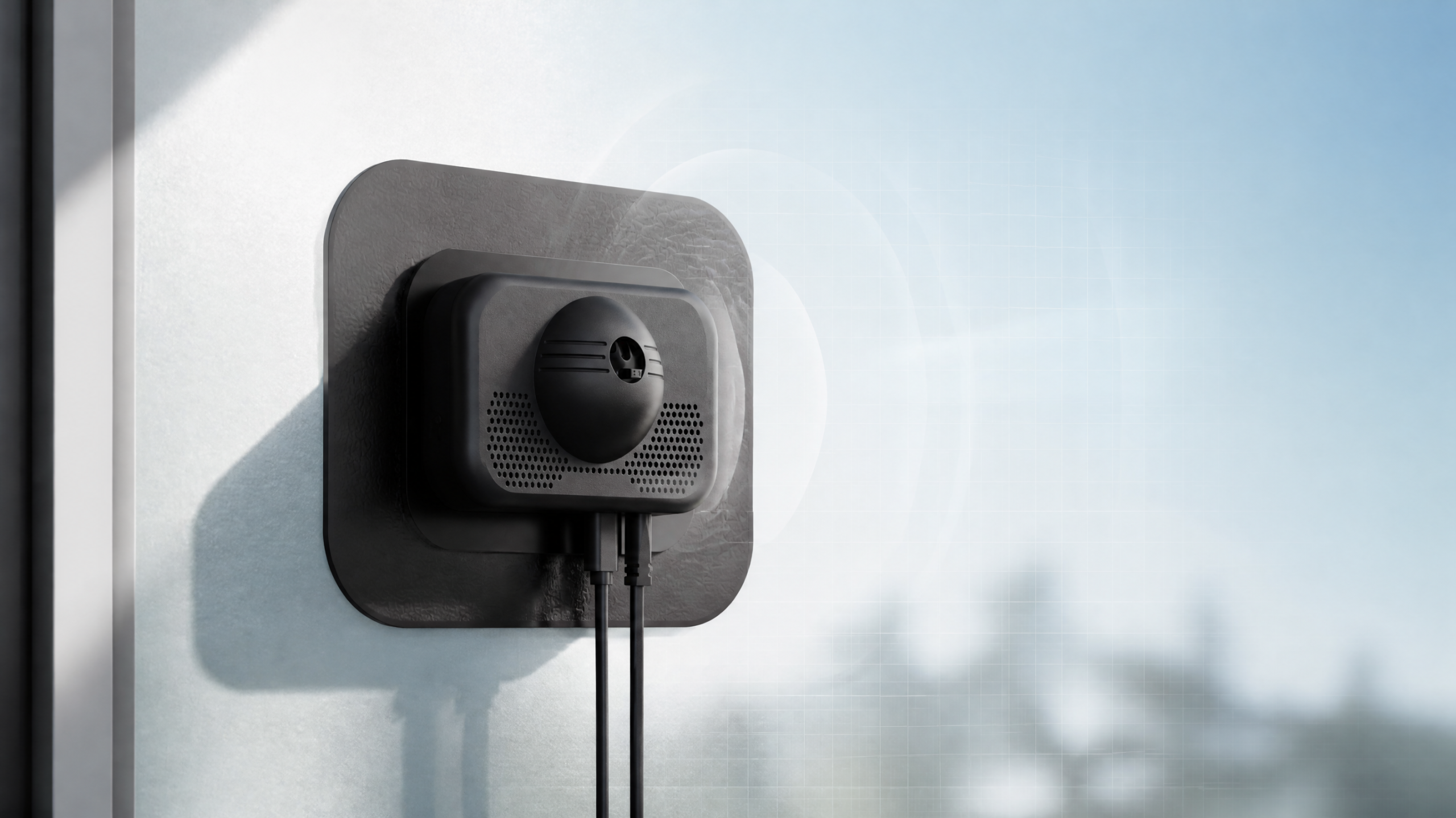
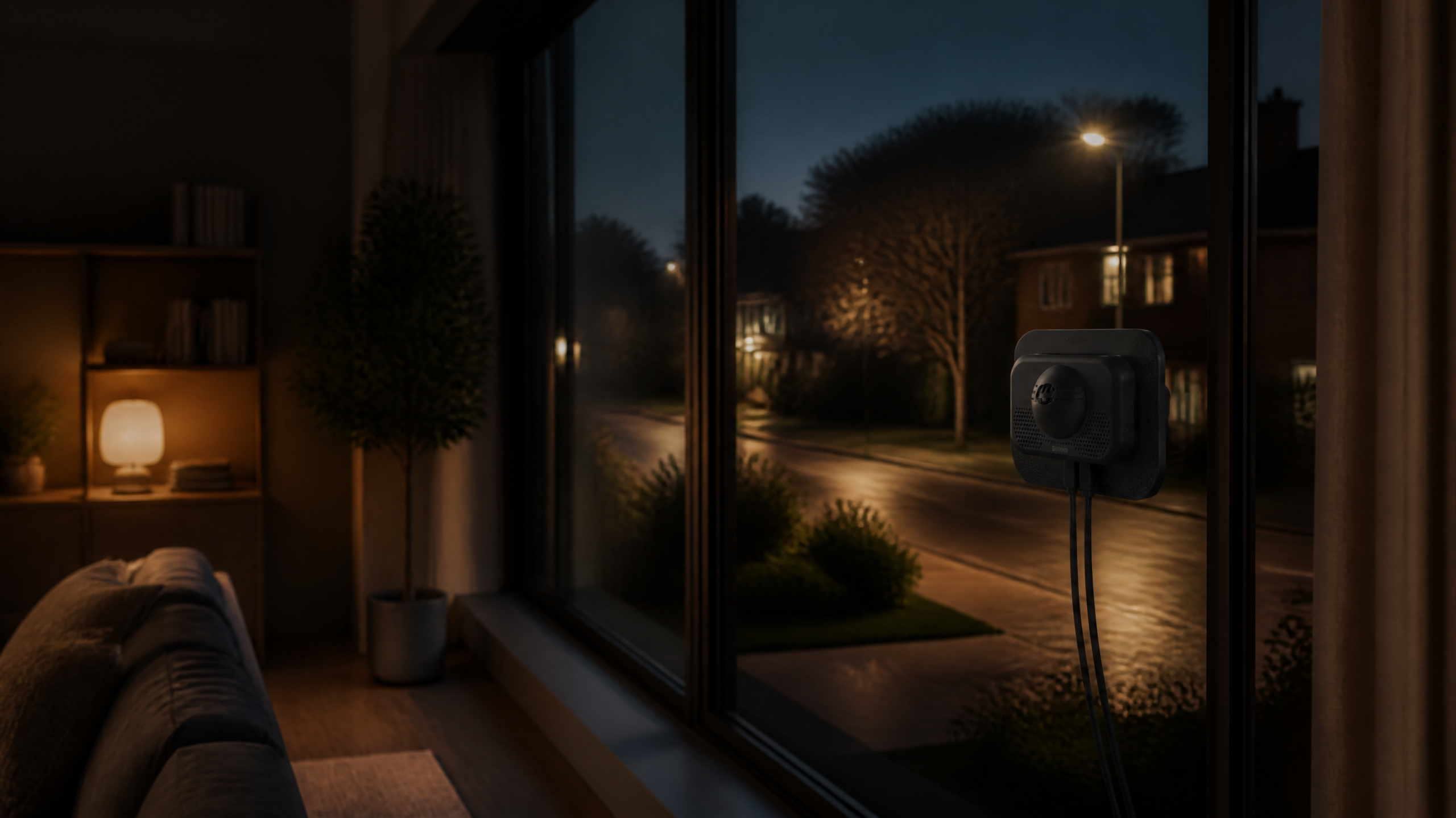
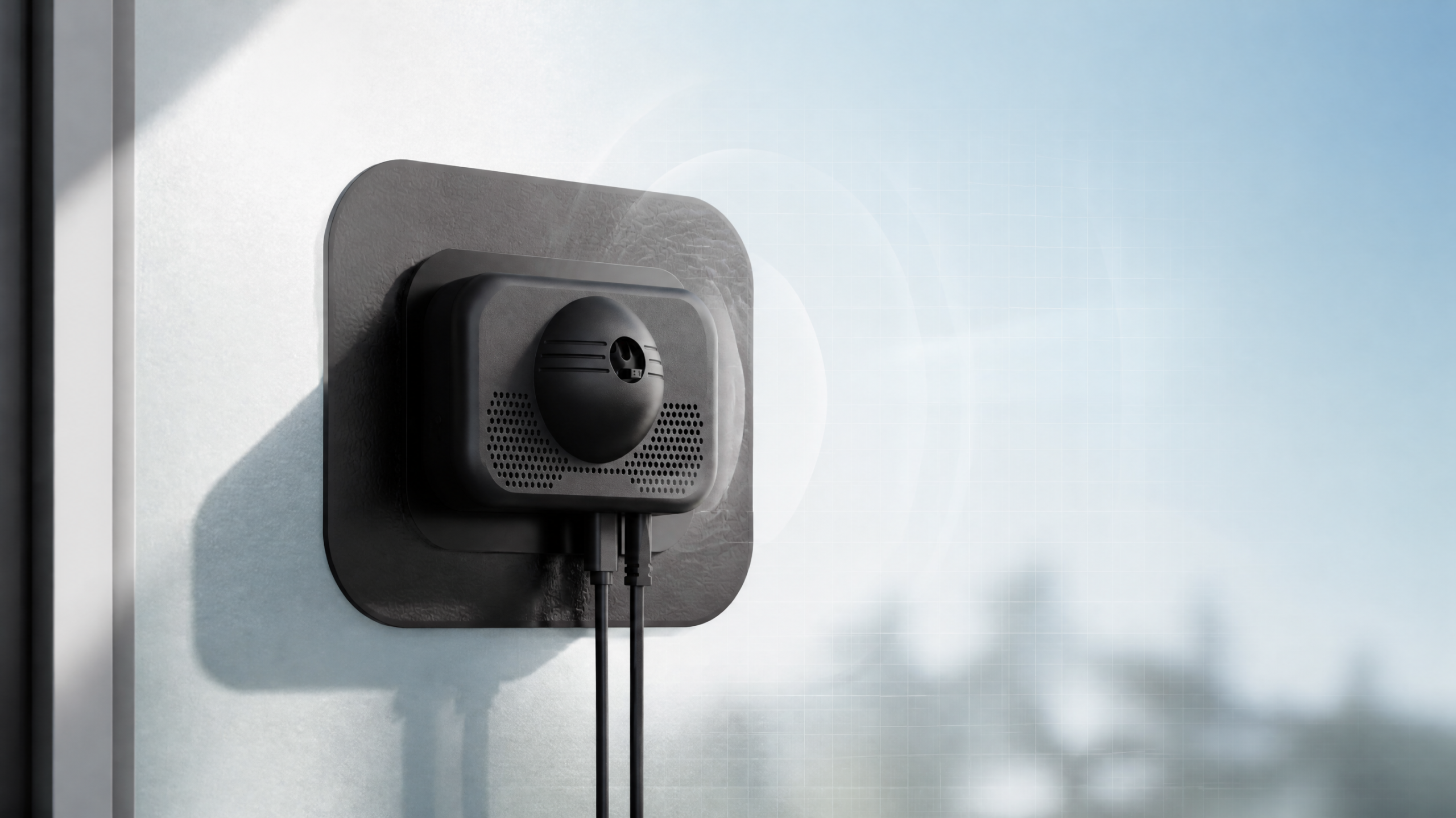
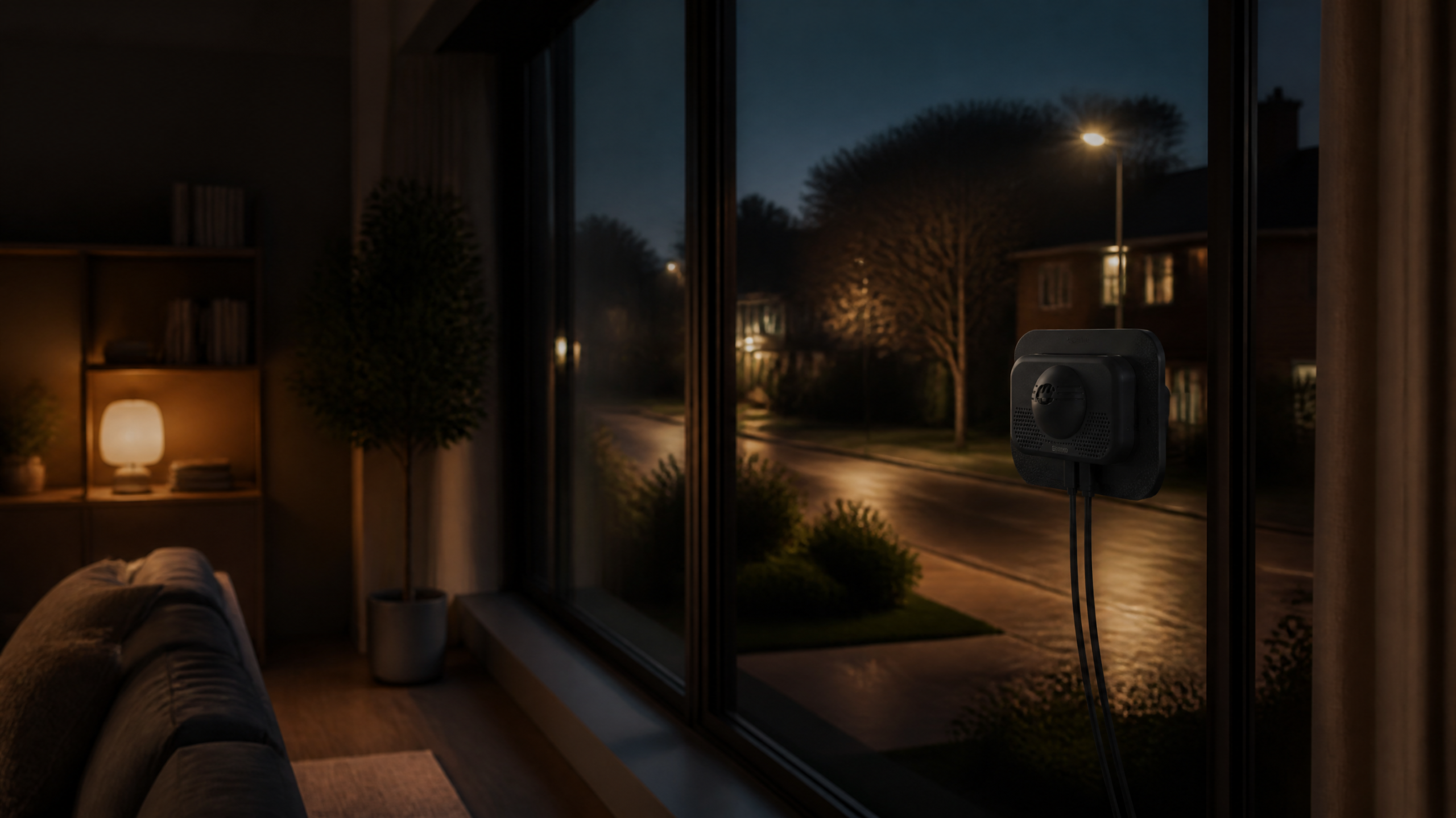
When it comes to finding an affordable home camera 2026 that truly delivers on the “no subscription” promise while offering cutting-edge features, the ShowMo WinEye stands out. This innovative device redefines outdoor security by operating entirely from inside your home, eliminating the need for complex outdoor wiring, weatherproofing, or, crucially, subscription fees.
What Makes the ShowMo WinEye a Top Pick for 2026?
- No-Drill Window Mounting: The WinEye’s unique design allows it to attach securely to any window, facing outwards. This means no drilling, no external power cables, and no exposure to the elements, simplifying installation dramatically.
- Brilliant 4K Night Vision: Unlike many budget cameras that struggle in the dark, the WinEye boasts advanced 4K night vision. This delivers exceptionally clear, detailed footage even in very low light conditions, crucial for identifying subjects or incidents at night.
- Subscription-Free Operation: Equipped with local SD card storage, the WinEye records all motion-triggered events directly onto the card. No monthly fees, no cloud storage charges – just pure, accessible security.
- Easy App Control: Manage your camera, view live streams, and review recorded footage directly from your smartphone app, all without requiring an ongoing subscription.
- Discreet & Weather-Resistant (Indirectly): Because it’s mounted indoors, the WinEye is naturally protected from harsh weather – a significant advantage over traditional outdoor cameras. Its indoor placement also makes it less obvious to potential intruders.
- Cost-Effective Long-Term: With its reasonable upfront cost and zero recurring expenses, the ShowMo WinEye offers exceptional value over its lifespan, making it a true budget security camera no subscription hero.
The ShowMo WinEye is perfect for renters, apartment dwellers, or anyone who wants robust outdoor surveillance without the typical installation headaches or ongoing costs. It’s a prime example of how an affordable home camera 2026 can leverage smart design to deliver premium features for less.
Conclusion
The search for the best budget security camera with no subscription fee in 2026 is no longer a pipe dream. With advancements in local storage capabilities, higher resolution sensors, and innovative designs like the ShowMo WinEye, securing your home affordably and without recurring costs is entirely within reach. By focusing on essential features like local storage, high-definition night vision, and reliable motion detection, you can build a robust home security system that offers long-term peace of mind without depleting your wallet.
Remember to evaluate your specific needs – indoor vs. outdoor, wired vs. wireless, and your local storage requirements – to make an informed decision. With options like the ShowMo WinEye offering unprecedented convenience and clarity, affordable home security without endless fees is the clear winner for vigilant homeowners in 2026.
Frequently Asked Questions About No-Subscription Security Cameras
Q1: How much storage space do I need on an SD card for a security camera?
A1: This depends on the camera’s resolution, recording quality settings, and how often it records. For a 1080p camera recording motion-activated events, a 64GB SD card can typically hold several days to a week of footage. For 2K or 4K cameras, or if you plan on continuous recording (though less common for no-subscription models), you’ll need higher capacities like 128GB or 256GB. It’s always a good idea to check the camera’s specifications for estimated recording times per GB.
Q2: Can I view live footage from a no-subscription camera when I’m away from home?
A2: Yes, most modern no-subscription security cameras with local storage still allow you to view live feeds remotely via their dedicated smartphone app. As long as your camera is connected to your home’s Wi-Fi network and has an active internet connection, you can typically access the live stream from anywhere with an internet connection on your phone. The lack of a subscription usually pertains to cloud storage or premium features, not basic remote viewing.
Q3: Are no-subscription security cameras as secure as those with cloud subscriptions?
A3: Both types of cameras have their own security considerations. No-subscription cameras storing data locally on an SD card are generally less vulnerable to external data breaches, as your data isn’t being transmitted to or stored on a third-party server. However, if the camera itself is stolen, the footage is lost. Cloud-based cameras offer redundancy (data isn’t lost if the camera is stolen) but introduce the risk of server hacks. Ultimately, the security of any camera system largely depends on strong passwords, updated firmware, and your home network’s security practices, regardless of the subscription model.