
WINEYE / WINDOW PLACEMENT
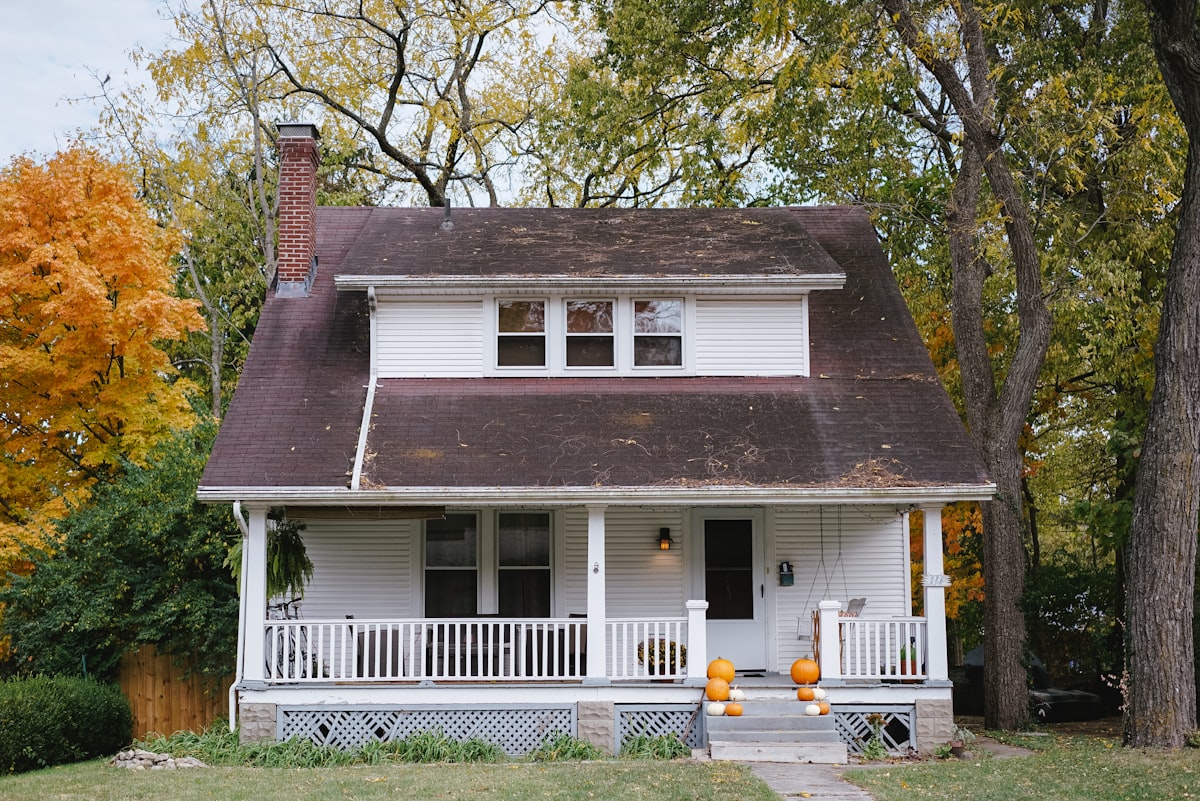
An upstairs window.
A useful view below.
Keep installation and power inside. First check whether your window gives the lens a clear view of the approach.
- Adjust the lens tilt
- Check the sill and reflections
- Keep power indoors
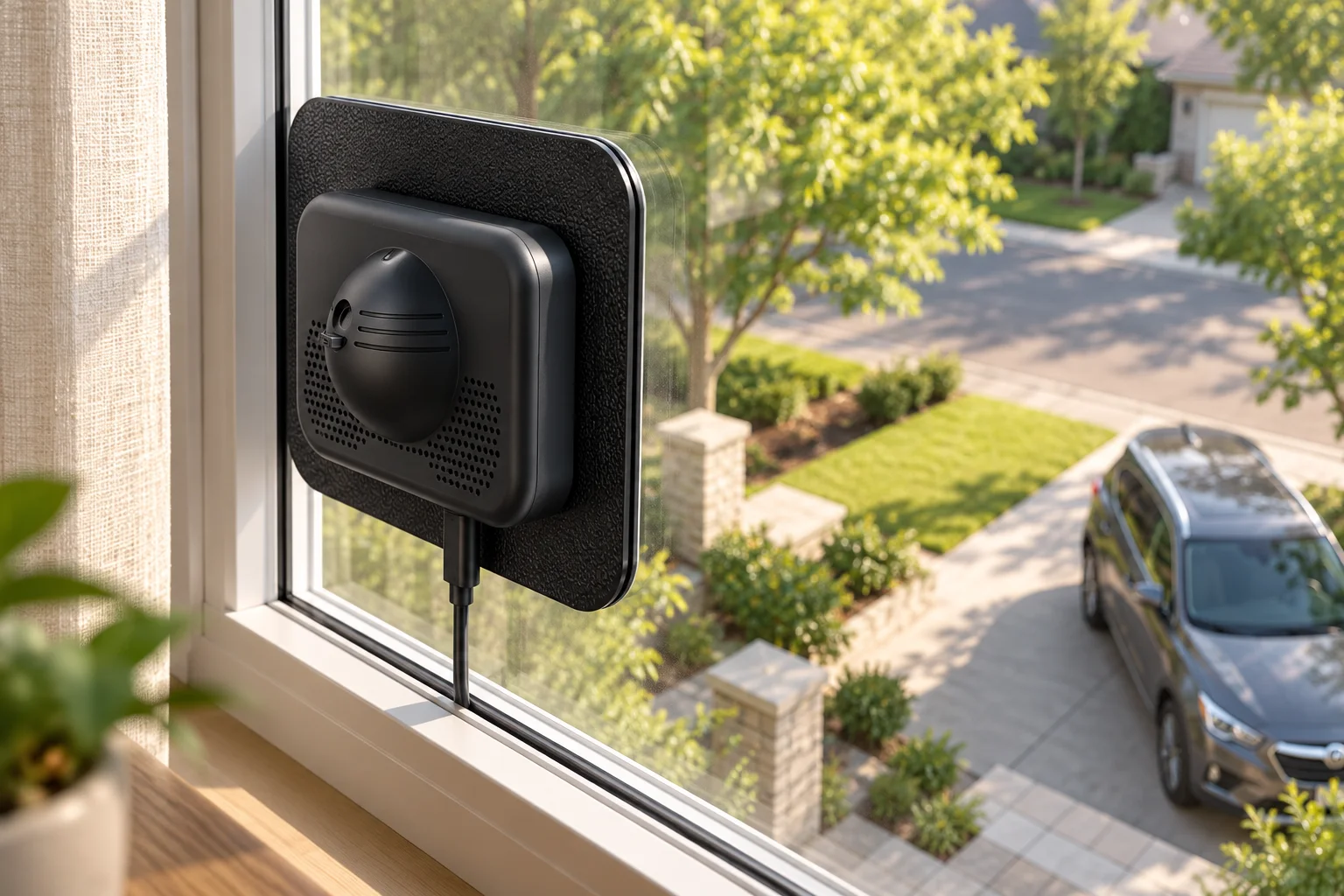
You can aim a window-mounted camera toward a lower-level entrance, provided the lens can tilt to the required angle and the window gives it a clear view. An upstairs window is not automatically the best position: a sill, screen or roof overhang can hide the exact area you want to watch.
This guide is for a camera that stays indoors while looking outside. WinEye has an adjustable lens tilt; the checks below help you decide whether your particular upstairs window is suitable.

Start with the place you need to see
Choose one useful target: the driveway entrance, the path to the front door, or a lower-level approach. A wide overview and a close view of a visitor are different jobs. A high camera may show that someone arrived while providing mostly a top-down view rather than a useful face view.
Mark the approach you need to see.
Check the sill, screen and roof edge.
Plan a safe cable route to an outlet.
This is a placement checklist, not a claimed viewing distance or identification test. Judge the actual live image at your property.
Use lens tilt, then check the edges of the view
- Hold the camera at the proposed spot. Before settling on a position, check the live view through the same pane of glass that you intend to use.
- Tilt the lens toward the target. WinEye lets you adjust the viewing direction vertically. Do not assume every second-floor window can cover the ground immediately beneath it.
- Check the near edge. Look for the sill, window frame and wall blocking the lower part of the image. Moving to a different pane or window may work better than increasing tilt.
- Check the far edge. Make sure the route into the monitored area is visible, not just the final stopping point.
- Test a walk-through. Have someone use the actual path. Review the recording as well as the live image before treating the view as useful.
Check your glass in daylight and after dark
Clean the viewing area and check for screens, blinds, window treatments, tint and reflections. Glass and indoor lighting can change the result. WinEye’s large shield helps reduce indoor reflections when fitted close to the glass; it is not a guarantee of reflection-free video through every window.
Repeat the test after dark with the room lights in their normal positions. If a lamp or bright room appears in the view, adjust the placement and lighting, then test again. Choose a different window if the view remains unsuitable.
Keep the installation and power route inside
WinEye uses USB-C power. Plan a route to an indoor power source that does not strain the connector, interfere with opening the window or pinch the cable. It is an indoor-mounted camera, not a battery camera to leave outside. Initial setup, app sign-in and viewing away from home require internet access.
The camera body has no built-in microphone. A separate IP66-rated microphone module is available for capturing outdoor sound; plan its position and cable route separately. The window shield helps keep indoor scenes outside the lens view, but always inspect the actual image after mounting.
Which WinEye version fits this view?
WinEye Pro records at 3840 × 2160 (4K / 8MP) and offers built-in eMMC storage in 64GB, 128GB and 256GB versions. Basic provides 4MP video and a microSD slot. More resolution does not remove a blocked sightline or guarantee identification at a particular distance.
Can I see the ground directly below my window?
Not necessarily. The wall, sill and available lens tilt may leave a blind area close to the building. Test that exact spot; a lower window may give a better view.
Does the camera have to be mounted outside?
No. WinEye is designed to mount on the room side of a suitable window, with power indoors.
What if the upstairs view is unsuitable?
Try another window first. If the target has no clear view from indoors, consider a camera located closer to the target and assess its power and connection needs.
Check the WinEye installation approach →Compare WinEye versions and storage