
MILEFLASK / STARLINK HOMES
Internet at home.
A view farther out.
Plan the internet connection and the camera link separately, then check power, placement and the view you need.
- Connect the base at home
- Use a separate camera link
- Check power and clearance

Starlink can bring internet to your home while a distant gate, barn or outbuilding still has no usable Wi-Fi. These are two different connections: the connection from your property to the internet, and the local connection from each camera back to your home.
This guide explains where a MileFlask camera system fits, what still needs power and a suitable signal path, and what you can view locally or away from home.
Start with the camera location, not the internet service
- Near the house: check whether your existing Wi-Fi already reaches the camera position.
- Farther away: measure the route back to a practical base-station location and look for trees, buildings or rising ground along it.
- No reliable cellular signal: a camera that needs a mobile data plan may not suit the site. MileFlask uses a local camera-to-base link instead of a SIM in each camera.
How MileFlask connects to a Starlink home
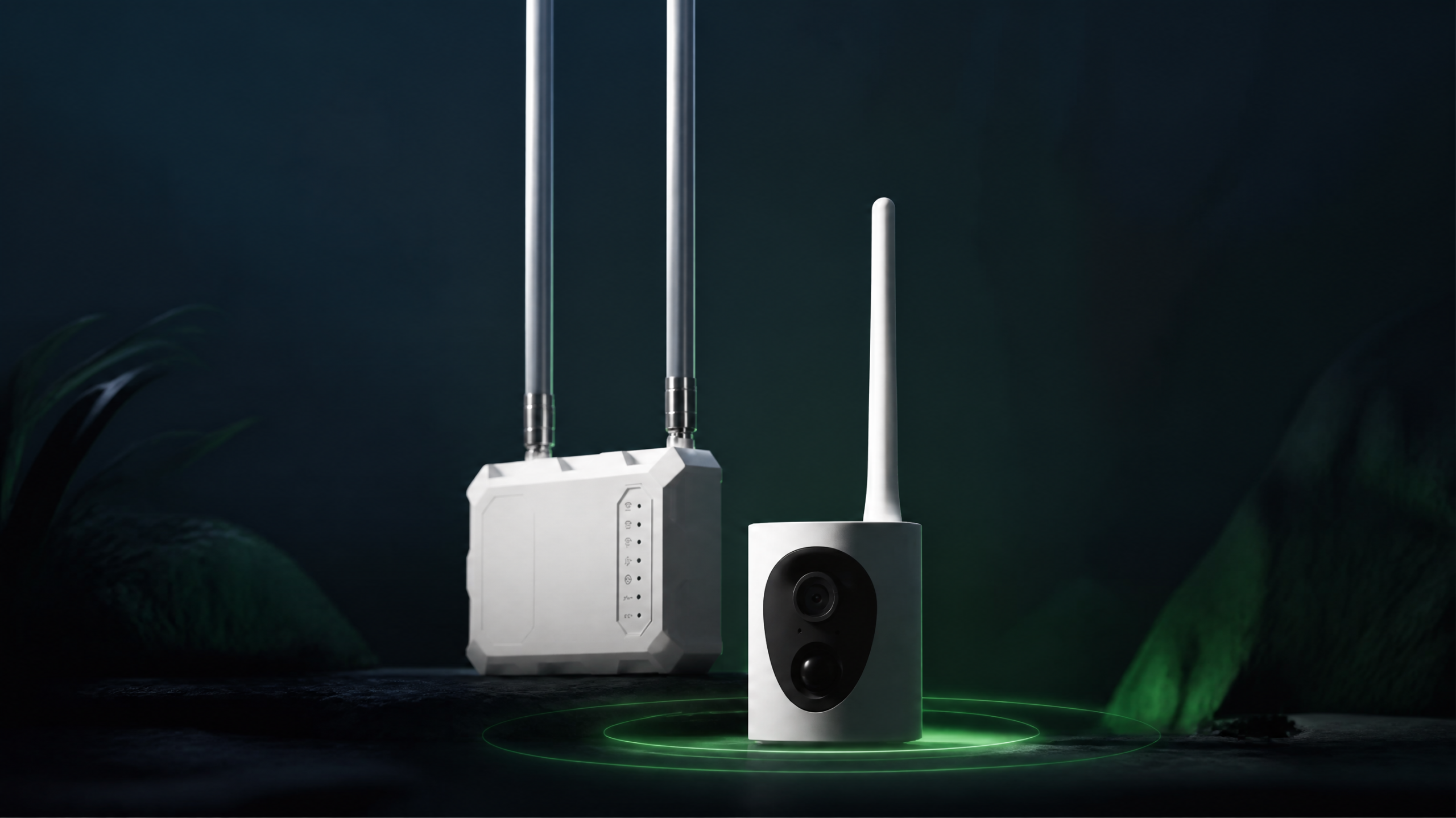
Internet at the propertyMileHub base station
Ethernet or home Wi-Fi connectionMileFlask cameras
Separate Wi-Fi HaLow camera link
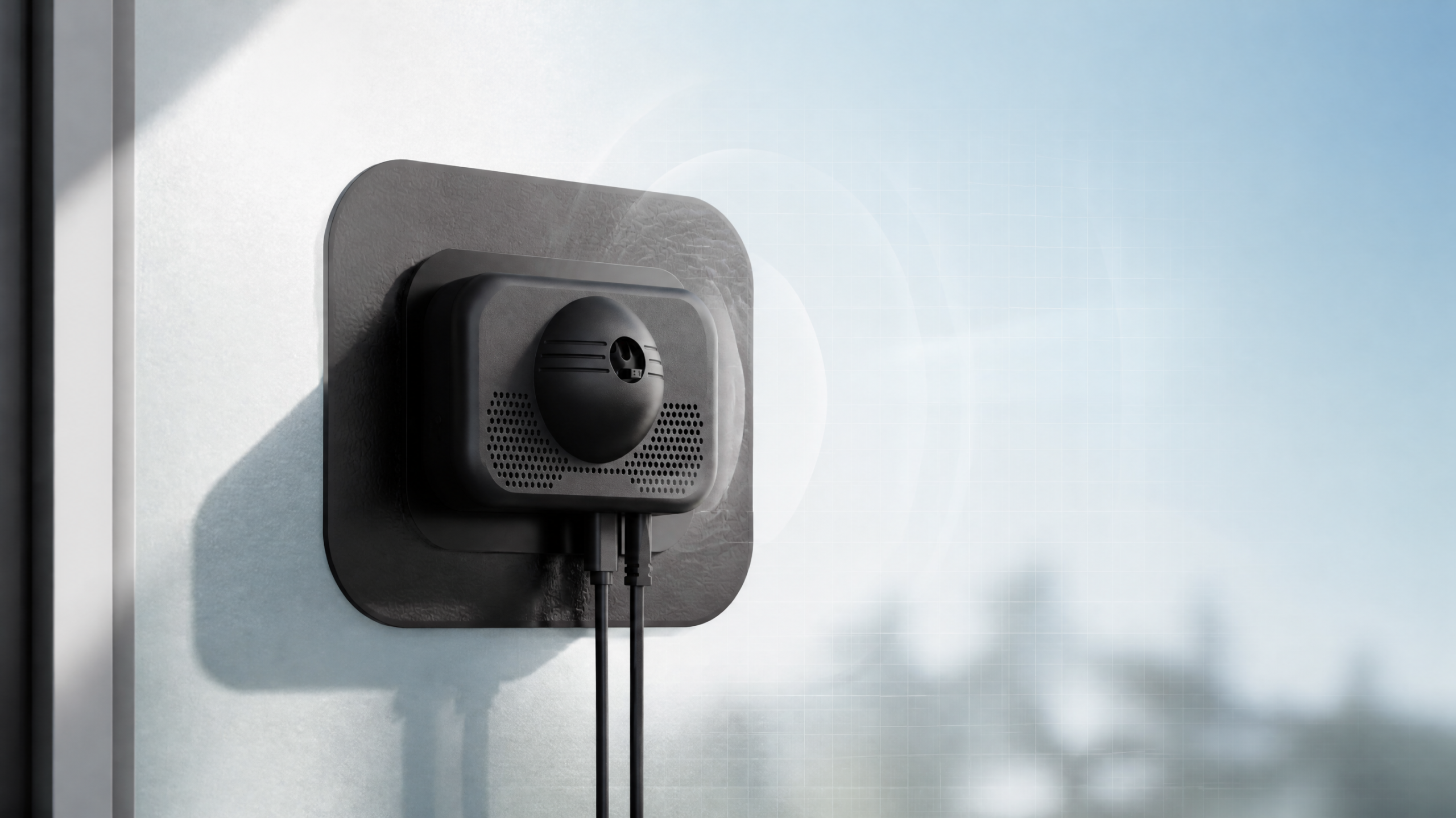
The camera does not connect directly to the Starlink dish or to ordinary home Wi-Fi. MileHub bridges the system to the home network. Its home-network side supports Ethernet and 2.4GHz/5GHz Wi-Fi 6; its camera link uses Wi-Fi HaLow.
Our team has used Starlink Standard 4 with MileHub over both Ethernet and Wi-Fi. This is a connection-use confirmation, not a published range, uptime or latency benchmark. Check the available network ports and settings of your own Starlink installation.
One mile needs an open path
MileFlask supports an up to 1 mile camera-to-MileHub link. LOS is required, with adequate Fresnel zone clearance. In plain language, the devices need to see each other, with enough open space around the signal path—not just a narrow visible gap through trees.
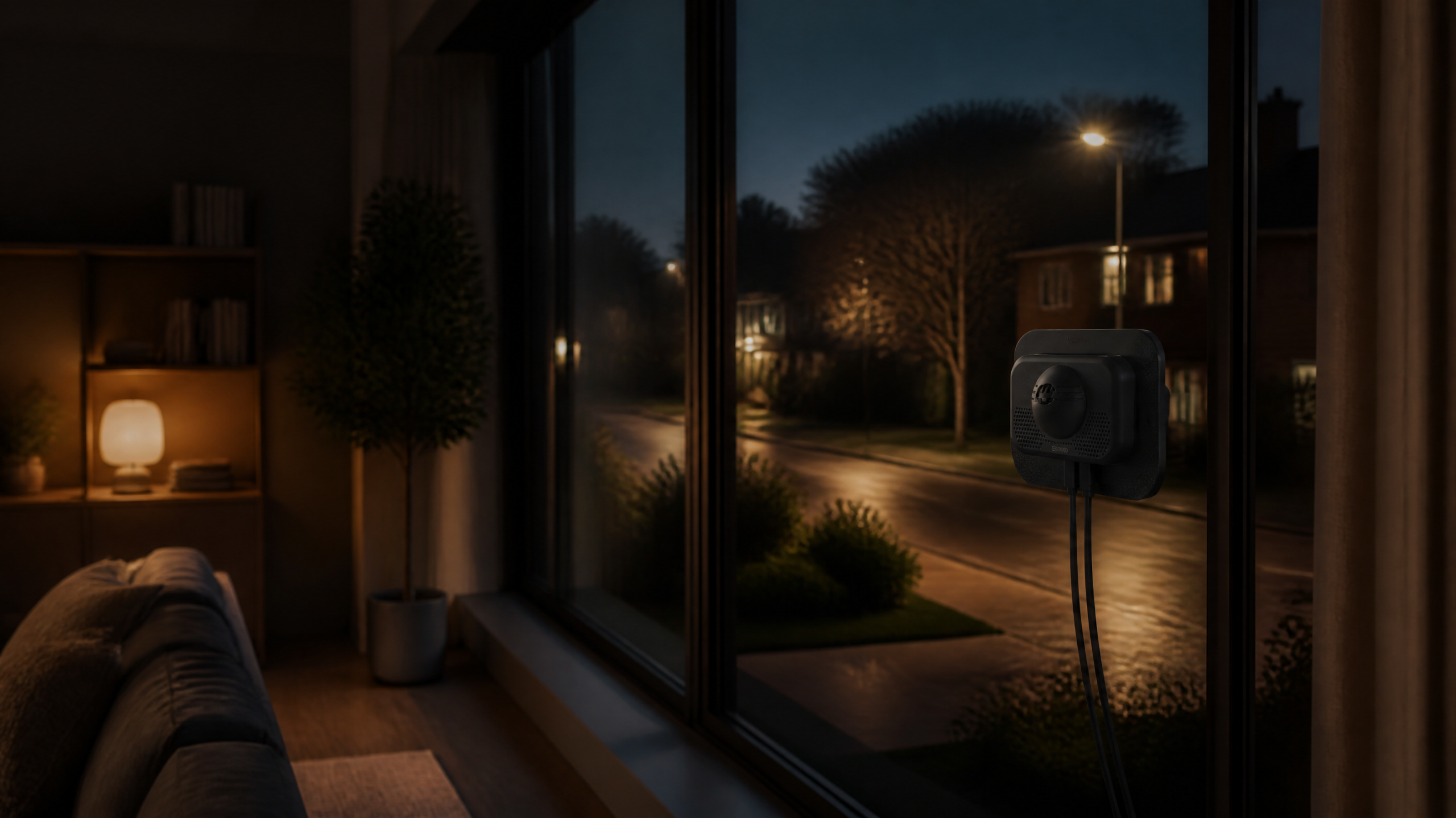
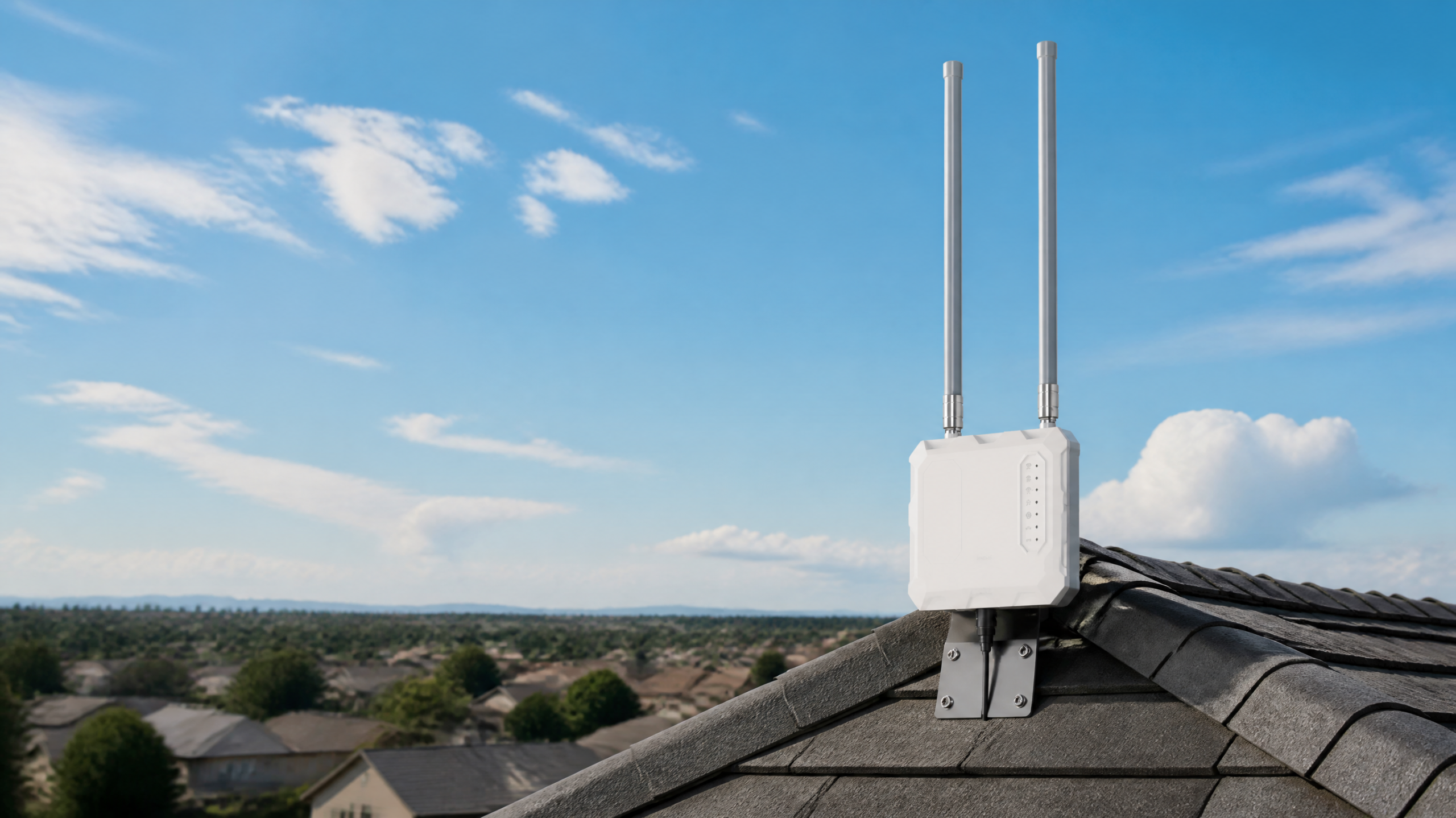
Distance alone does not establish coverage. Trees, terrain, structures, mounting height and installation can change the result. Plan a suitable elevated pole location for MileHub, rather than placing it flat against a wall; test every camera location before making the installation permanent.
See the Starlink property setup and range-condition explanation
Power and storage are separate from internet
- Each MileFlask pairs with an 8W solar panel with a white plastic housing and has a 4400mAh rechargeable battery. Charging depends on sunlight and placement.
- MileHub needs power. Solar-powered cameras do not make the base station or Starlink terminal solar-powered.
- MileHub has 64GB eMMC local storage and supports up to eight cameras.
- The camera-to-base link needs no camera SIM or cellular data plan. Your Starlink or other internet-service charges remain separate.
At home and away: what needs internet?
| Use | What is needed |
|---|---|
| View live video and playback locally | Use the app on the same working local network as MileHub; LAN viewing and playback are supported without internet. |
| View from away from the property | Internet at MileHub and on the viewing device, plus the appropriate app connection. |
| Keep the cameras connected locally | Power, a working base station and a suitable camera-to-base signal path. |
Check your site before choosing a kit
- List the gates, buildings and approaches you actually need to see.
- Check the sight line and open space along each link.
- Choose a safe base-station pole location with power and a route to the home network.
- Check sunlight at each solar panel location.
- Test live view and playback on-site, then test access from outside your LAN.
Does this mean Starlink supplies the camera?
No. MileFlask and MileHub are ShowMo products. Starlink supplies the internet connection in this example; this guide does not imply sponsorship or an official partnership.
Does every camera need a monthly data plan?
No camera SIM or cellular data plan is needed for the MileFlask-to-MileHub link. Internet-service charges and any optional paid services are separate.
Will it work through a hill or dense trees?
Do not assume so. The up-to-one-mile capability requires line of sight and adequate Fresnel zone clearance. Reposition the equipment or assess another connection method if the path is obstructed.
Plan a Starlink property setup →
Ready to compare kit sizes? View MileFlask camera kits and current specifications.