

How to Set Up a No-Subscription Security System at Home in 2026
In today’s world, peace of mind shouldn’t come with a recurring bill. The idea of a secure home without the constant drain of monthly fees is more appealing than ever. As technology advances, setting up a robust, DIY home security system with no monthly cost has become incredibly accessible and effective. This comprehensive guide will walk you through everything you need to know about building a no subscription security system home in 2026, ensuring your sanctuary is protected without breaking the bank.
Many homeowners are tired of the endless cycle of subscription fees that often accompany traditional security systems. Whether it’s for cloud storage, professional monitoring, or app access, these costs add up significantly over time. Fortunately, the market for DIY security system no fees solutions has exploded, offering innovative ways to safeguard your property on your own terms. Let’s delve into how you can achieve true financial freedom with your home security.
Why Choose a No-Subscription Home Security System?
The primary driver for opting out of subscription plans is, of course, cost savings. Over five years, professional monitoring and cloud storage fees can easily amount to thousands of dollars. But beyond the financial aspect, there are several other compelling reasons:
- Full Ownership and Control: You own the equipment and decide how it operates. No third-party dictates your settings or data storage.
- Privacy: With local storage options, your footage often stays within your home network, reducing concerns about data breaches or unauthorized access to sensitive information.
- Flexibility: Build a system tailored precisely to your needs, rather than being confined to pre-packaged subscription tiers.
- Empowerment: Learn more about your home’s security infrastructure and gain a sense of accomplishment from building it yourself.
Key Components of Your No-Subscription Home Security System
A truly effective home security no monthly cost setup relies on a combination of smart devices working together. Here are the essential elements you’ll want to consider:
1. Smart Cameras with Local Storage
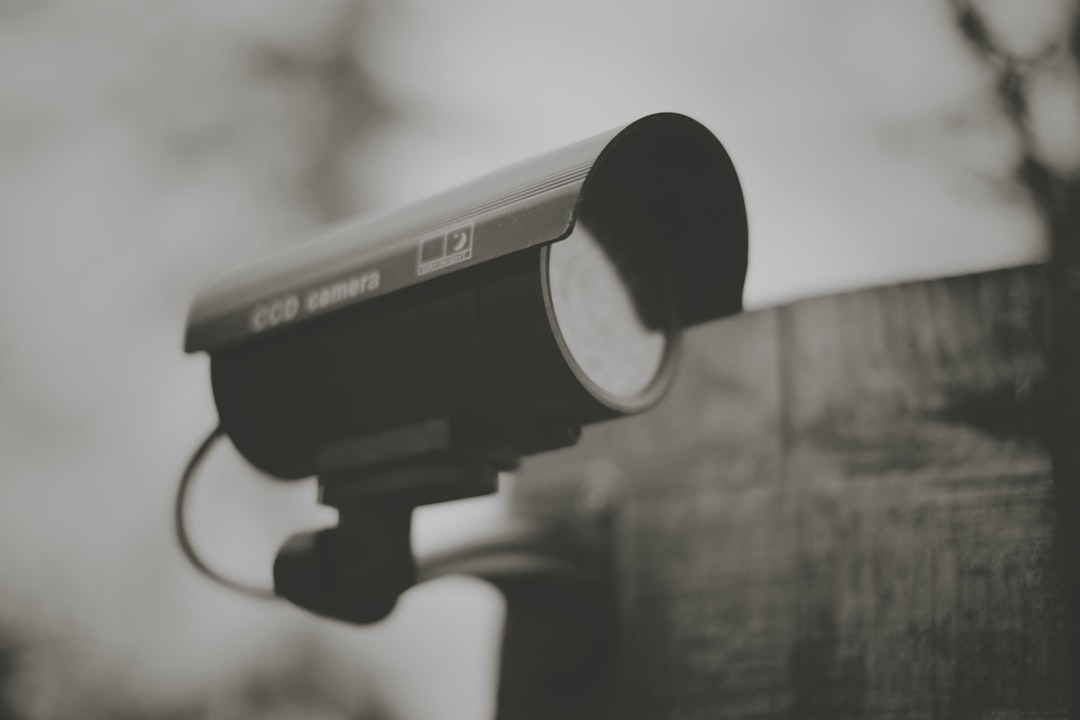
Cameras are the eyes of your security system. For a no-subscription model, prioritize cameras that offer:
- SD Card Slot: This allows footage to be stored directly on the camera, eliminating the need for cloud storage fees.
- Network Video Recorder (NVR) / Digital Video Recorder (DVR) Compatibility: For multiple cameras, an NVR/DVR consolidates recording onto a single hard drive, providing a more robust local storage solution.
- Motion Detection and Alerts: Essential for triggering recordings and sending notifications to your smartphone.
- Two-Way Audio: Handy for communicating with visitors or deterring intruders.
- Night Vision: Crucial for clear footage in low-light conditions.
Many modern Wi-Fi cameras now support these features and integrate with a basic smartphone app for live viewing and playback without any ongoing costs.
2. Door and Window Sensors
These small, inexpensive devices are your first line of defense. They detect when a door or window is opened and can trigger an alarm, send an alert to your phone, or even activate a camera recording. Look for:
- Wireless Connectivity: Z-Wave, Zigbee, or Wi-Fi compatible sensors are common.
- Battery Life: Long-lasting batteries reduce maintenance.
- Integration: Ensure they can connect to your chosen smart home hub or directly to your smartphone app.
3. Smart Home Hub (Optional but Recommended)
While some devices can operate independently, a smart home hub acts as the brain of your system, allowing different brands and types of devices to communicate with each other. This enables more complex automation (e.g., “If door opens after 10 PM, turn on outdoor lights and record with camera”). Many hubs offer local processing, meaning routines can run even if your internet is down.
4. Smart Plugs and Lighting
Automated lighting can be a powerful deterrent. Smart plugs can turn lamps on and off randomly, mimicking occupancy. Exterior smart lights can be programmed to switch on when motion is detected, startling potential intruders and improving camera visibility.
5. Sirens and Alarms
While you won’t have a monitoring center dispatching police, a loud siren can be very effective in scaring away intruders and alerting neighbors. Integrate a standalone siren with your door/window sensors or cameras so it triggers when an event occurs.
Setting Up Your DIY No-Fee Security System in 5 Steps
- Assess Your Needs: Walk around your home, inside and out. Identify vulnerable entry points (windows, doors), areas where cameras would be most effective (front door, back yard, living room), and high-traffic internal zones.
- Choose Your Devices Wisely: Based on your assessment, select cameras with local storage, door/window sensors, and any other components you deem necessary. Ensure compatibility if you plan to use a smart home hub. Read reviews and look for devices with reliable apps and good customer support.
- Install and Power Up: Follow the manufacturer’s instructions for installing each device. Most DIY security gadgets are designed for easy installation, often involving adhesive strips, magnetic mounts, or minimal drilling. Power up your devices and ensure they are connected to your home Wi-Fi network.
- Configure and Test: Use the respective apps to set up motion zones, notification preferences, recording schedules, and any automation rules. Crucially, test everything: open doors, trigger motion, and make sure you receive alerts and recordings as expected. Walk around your property to check camera angles.
- Maintain and Monitor: Regularly check battery levels on wireless sensors. Clean camera lenses periodically. Review recorded footage occasionally, even if there are no incidents, to ensure everything is functioning correctly. Stay updated on firmware for your devices.
Comparison: No-Subscription vs. Subscription-Based Systems
To help you solidify your decision, here’s a quick comparison of key aspects:
| Feature | No-Subscription Security System | Subscription-Based Security System |
|---|---|---|
| Initial Cost | Higher (you buy all equipment upfront) | Lower (equipment often subsidized, leased, or free with contract) |
| Ongoing Cost | $0 (excluding electricity, internet) | Monthly/Annual Fees ($10-$60+ per month) |
| Professional Monitoring | No (rely on self-monitoring/neighborhood alerts) | Yes (option for 24/7 monitoring and emergency dispatch) |
| Data Storage | Local (SD card, NVR/DVR) | Cloud (usually part of subscription fee) |
| Ownership | Full ownership of all equipment | Often leased equipment; tied to contract terms |
| Maintenance | DIY (battery replacement, troubleshooting) | Often includes some professional support/repair |
| Flexibility | High (choose specific devices, integrate freely) | Limited (often proprietary ecosystems) |
Product Spotlight: ShowMo WinEye – The Ultimate Window-Mounted Camera
When building your no subscription security system home, finding versatile and effective cameras is paramount. The ShowMo WinEye stands out as an exceptional choice, especially for those seeking robust outdoor monitoring with zero installation hassle.
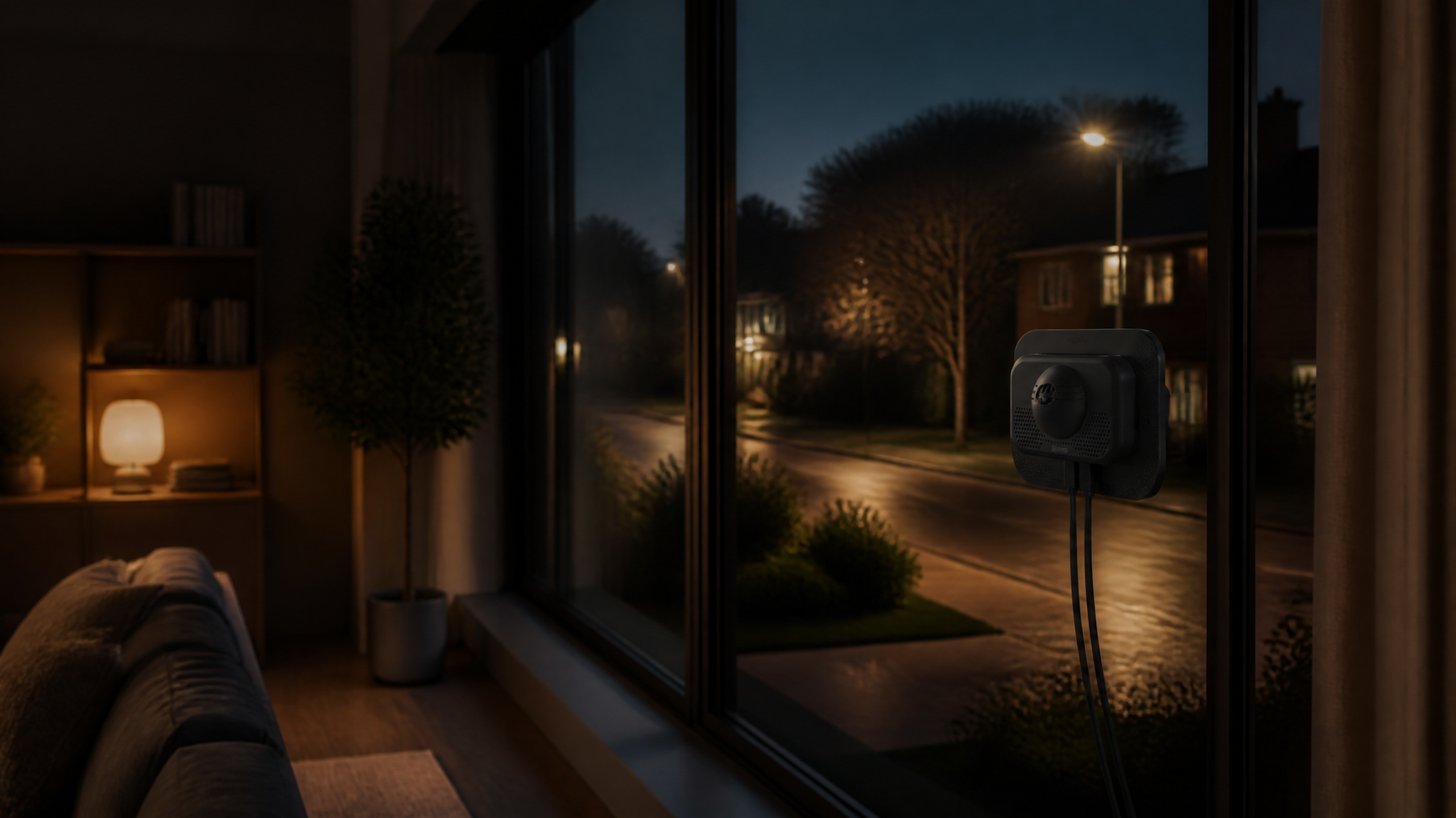
The ShowMo WinEye is an innovative window-mounted indoor security camera designed to monitor outdoor activity. Its ingenious no-drill installation means you simply attach it to the inside of your window. This not only makes installation incredibly easy but also keeps the camera safe from the elements and potential tampering, while still providing a clear view of your yard, porch, or driveway.
What truly sets the WinEye apart for a DIY security system no fees setup is its advanced features: it boasts stunning 4K night vision, ensuring crystal-clear footage even in complete darkness. This is a game-changer for identifying potential threats or capturing critical evidence. It integrates seamlessly with a user-friendly app for live streaming and motion alerts, and crucially, it supports local storage via an SD card, freeing you from recurring cloud storage fees. With the ShowMo WinEye, powerful, subscription-free outdoor surveillance is literally just a window away.
FAQ: Your No-Subscription Security Questions Answered
Q1: Can a no-subscription system really deter intruders as well as a professionally monitored one?
A1: While a no-subscription system lacks direct police dispatch, its deterrent capabilities can be just as strong, if not stronger, for many situations. Visible cameras, loud sirens, motion-activated lights, and immediate alerts to your smartphone are highly effective in scaring off intruders and allowing you to take swift action (e.g., calling emergency services yourself, or contacting neighbors). The primary difference is who makes that final call to emergency services.
Q2: What happens if my internet goes down with a no-subscription system?
A2: This is a critical consideration. For devices with local storage (like cameras with SD card slots or systems connected to an NVR/DVR), recording will typically continue even if your internet is down. However, you won’t receive push notifications to your phone, and most smart hub automations that rely on cloud services or external alerts won’t function. Some advanced smart hubs offer local processing, allowing certain rules (e.g., “door opens, siren blares”) to still run without internet. It’s important to choose devices with robust local capabilities for blackout situations.
Q3: Is my data safe with local storage on a no-subscription system?
A3: Yes, local storage generally offers a higher degree of privacy because your footage never leaves your home network (or the device itself if using an SD card). This significantly reduces the risk of data breaches associated with cloud storage. However, it’s still crucial to secure your home Wi-Fi network with strong passwords and ensure your camera’s firmware is up to date to patch any potential vulnerabilities. Physically securing your NVR/DVR in a discreet location is also advisable.
Enjoy Subscription-Free Peace of Mind
Building a no subscription security system home in 2026 is not just a pipe dream; it’s a practical and powerful reality. By carefully selecting your components, prioritizing local storage, and leveraging smart home technology, you can create a robust and effective security perimeter around your property without the burden of ongoing monthly fees.
From smart cameras like the ShowMo WinEye that offer high-definition surveillance with zero hassle, to intelligent sensors and automated lighting, the tools are readily available. Invest in your security, take control of your data, and enjoy the lasting peace of mind that comes from a truly independent and cost-effective home protection system. Your home and your wallet will thank you.