
Window Security Camera IR Blowback: What It Is and How to Fix It
You’ve invested in a window security camera, hoping for clear 24/7 surveillance of your property. But as night falls, your crisp daytime images transform into blurry, ghostly white orbs, rendering your footage useless. If this sounds familiar, you’re likely experiencing a common headache for window camera users: window security camera IR blowback. This frustrating phenomenon can undermine your entire security setup, leaving you wondering if a window-mounted camera was a good idea after all.
In this comprehensive guide, we’ll demystify IR blowback, explain why it happens, and provide actionable solutions to reclaim your nighttime visibility. We’ll also introduce you to innovative technologies designed specifically to overcome this challenge, ensuring your peace of mind isn’t compromised by a simple reflection.
Understanding IR Blowback: The Science of Night Vision Glare
At its core, IR blowback (or IR reflection) occurs when a security camera’s infrared (IR) illuminators reflect off a nearby surface – most commonly a windowpane – and bounce directly back into the camera’s lens. This intense reflection overpowers the sensor, creating that characteristic hazy, washed-out image, often accompanied by bright spots or an overall “foggy” appearance.
Most security cameras rely on built-in IR LEDs to provide illumination in low-light or no-light conditions. These LEDs emit infrared light, which is invisible to the human eye but detectable by the camera’s sensor. When this IR light hits a reflective surface like glass, a portion of it reflects straight back. Imagine shining a flashlight directly into a mirror – the beam bounces back, blinding you. The camera sensor experiences a similar effect.
The problem is exacerbated in scenarios where the camera is placed very close to the window, the window glass is thick, or there are multiple layers of glass (e.g., double-paned windows). Dust, dirt, condensation, or rain on the window can also make the reflection worse, scattering the IR light even more.
Common Causes of IR Reflection from Window Cameras
- Internal IR Illuminators: Most cameras with built-in night vision have IR LEDs surrounding the lens. When these are active and pressed against or near a window, reflection is almost inevitable.
- Close Proximity to Glass: The closer your camera is to the window, the stronger the IR reflection will be. There’s less opportunity for the IR light to pass through the glass and illuminate the outside scene.
- Angle of the Camera: Even a slight angle can drastically reduce reflection, but a direct perpendicular shot into the glass maximizes the bounce-back.
- Window Quality and Type: Double-paned or triple-paned windows, tinted windows, or those with special coatings can increase reflectivity. Dirty windows also scatter light more effectively.
- Indoor Lighting: While IR blowback is primarily a night vision issue, internal light sources reflecting off the glass can also contribute to glare during dusk or dawn.
How to Fix IR Reflection from Window Camera: Practical Solutions
Tackling IR reflection window camera fix requires a strategic approach. Here are several methods, ranging from simple adjustments to specialized equipment:
1. Turn Off Internal IR Illuminators
This is often the simplest and most effective fix. If your camera has an option to disable its built-in IR LEDs, do it. Many modern cameras allow you to control this through a mobile app or web interface. Once disabled, the camera will no longer emit IR light that can reflect off the glass.
- Benefit: Eliminates the primary cause of reflection.
- Drawback: Your camera will then need an external IR light source for night vision, or it will record in complete darkness.
2. Utilize External IR Illuminators
If you disable your camera’s internal IR, you’ll need an alternative for night vision. An external IR illuminator is a dedicated device that emits infrared light over a wider area. Place it outside, pointed in the direction you want to monitor, or strategically indoors where its light can pass through the window without reflecting back into the camera.
- Placement is Key: Ensure the external IR illuminator is positioned so its light reaches the outdoor scene but doesn’t hit the window surface at an angle that reflects into your camera lens.
- Power Requirements: External IR illuminators require their own power source.
3. Strategic Camera Placement and Angle
Even with internal IR active (though not recommended for window mounts), you can minimize blowback by:
- Mounting as Close to the Glass as Possible: While counterintuitive, physically pressing the camera lens against the glass can sometimes reduce the gap where reflections occur *if* the camera’s IR LEDs are recessed or angled. However, this is usually less effective than turning off IR.
- Angling the Camera: Experiment with slight angles. Instead of pointing directly perpendicular to the glass, a slight downward or sideways angle can sometimes reduce direct reflection back into the lens.
4. Eliminate Internal Light Sources
Ensure that no internal room lights are on at night when your camera is trying to monitor outside. Lights inside the room will create reflections on the window, obscuring the outdoor view, even with IR off.
5. Consider “Glass Mode” or “IR Cut” Cameras
Some newer cameras are specifically designed for window mounting and feature a “glass mode ir cut camera” functionality. These cameras are engineered to address IR reflection directly:
- IR Cut Filter: All cameras have an IR cut filter that blocks IR light during the day to ensure accurate colors. At night, this filter usually retracts to let in IR light for night vision. Cameras with a “glass mode” might keep the IR cut filter engaged or adjust its sensitivity when operating through glass, reducing the impact of reflected IR.
- Separated IR Emitters: Some advanced designs physically separate the IR emitters from the camera lens, or design them to project IR in a way that minimizes backscatter when placed against glass.
- Software Optimization: Advanced algorithms can attempt to electronically compensate for reflections, though this is often a partial solution.
When selecting a camera for window mounting, specifically look for features like “indoor window mode,” “glass mode,” or explicit claims of being “IR reflection-free” for window use.
Comparison: Traditional IR Camera vs. Window-Optimized Camera
To highlight the difference, let’s compare a standard security camera with built-in IR versus a camera specifically designed for window operation, like the ShowMo WinEye.
| Feature/Scenario | Traditional IR Camera (Window Mounted) | Window-Optimized Camera (e.g., ShowMo WinEye) |
|---|---|---|
| Night Vision Source | Built-in IR LEDs (often cause blowback) | External IR source (sometimes included or recommended), or advanced IR technology to avoid reflection |
| IR Blowback Issue | Very common, leading to washed-out or unusable footage | Significantly reduced or eliminated due to design or features |
| Installation Complexity | Often requires disabling IR + adding external IR, or complex angling | Simplified for window mounting, often tool-free and designed to minimize reflection |
| Daytime Performance | Generally good | Excellent, with focus on clarity through glass |
| Nighttime Performance | Poor to unusable through glass without modifications | Clear and effective night vision through glass |
| Aesthetics | May look unsightly with external IR illuminators | Sleek, designed to blend in with window frame or glass |
| Power/Wiring | Single power source for camera, external IR needs another | Often single power source for camera, optimized for simple setup |
Product Spotlight: ShowMo WinEye – Your Solution to IR Blowback
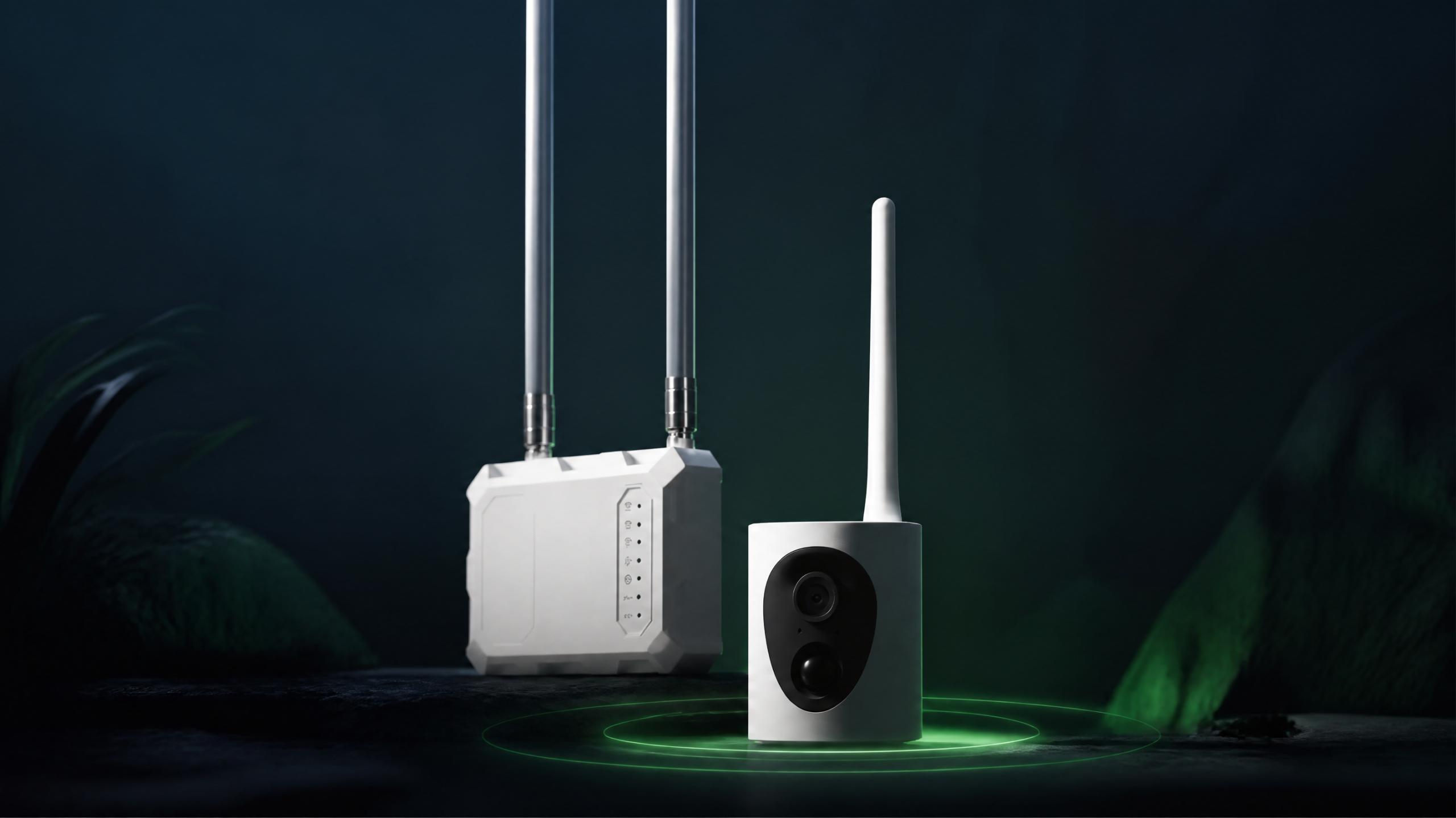
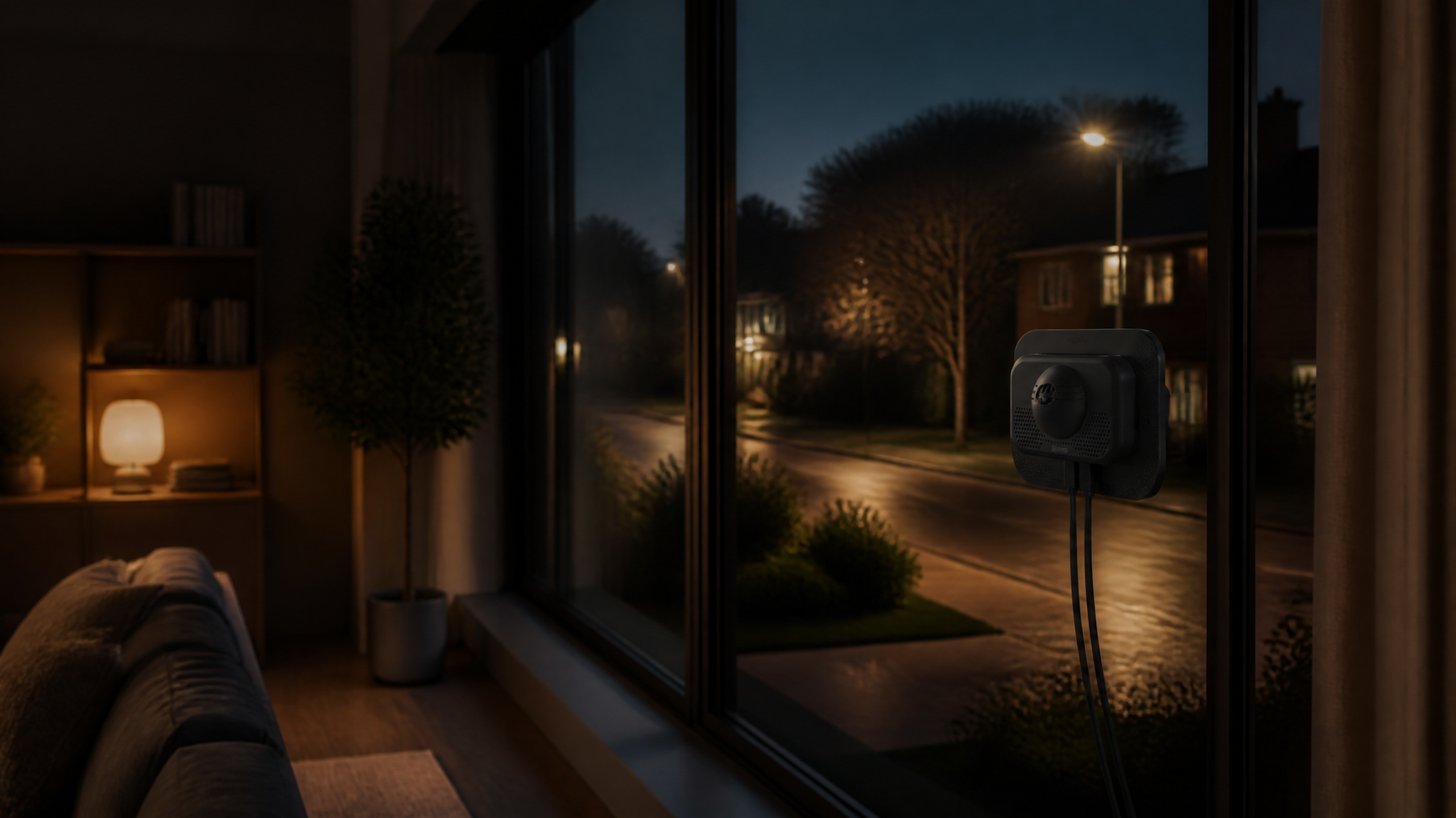
If you’re tired of battling IR blowback and searching for a seamless, effective solution for window-mounted security, look no further than the ShowMo WinEye. This innovative indoor window-mounted security camera is engineered specifically to conquer the challenges of monitoring outside through glass, without the need for drills or external wiring hassles.
The ShowMo WinEye stands out with its unique design philosophy. It addresses IR blowback not by just disabling internal IR, but by optimizing its operation for reflection-free night vision through windows. This means you get crystal-clear 4K night vision (with an external IR illuminator, or if enough ambient light is present) and sharp daytime motion detection, all from a discreet indoor placement. Its no-drill installation makes it perfect for renters or anyone who wants a quick, damage-free setup.
With the ShowMo WinEye, the days of blurry, washed-out nighttime footage are over. It provides reliable, high-definition surveillance of your outdoor space, from the safety and convenience of inside your home.
Frequently Asked Questions About Window Security Camera IR Blowback
Q1: Can I just put my regular outdoor camera indoors behind a window?
A: While you technically can, it’s generally not recommended for optimal performance. Outdoor cameras are designed to withstand elements and have powerful IR illuminators for open-air use. When placed behind a window, these powerful IR lights are almost guaranteed to cause severe IR blowback, rendering nighttime footage useless. You’d need to disable the IR and find an external outdoor IR illuminator, which defeats the purpose of an all-in-one outdoor camera.
Q2: Does tinting my window help reduce IR blowback?
A: Unfortunately, tinting your window typically does the opposite. While it might reduce some visible light reflection, many tints (especially metallic ones) can actually increase the reflectivity of the glass, making IR blowback worse. Also, tinting reduces the amount of light that can pass through, potentially making your night vision even darker if you’re relying on ambient light.
Q3: Are there any DIY tricks to completely eliminate IR reflection?
A: Short of turning off the camera’s internal IR and using an external illuminator (which is a common solution, not exactly a “trick”), completely eliminating IR reflection with a standard camera is challenging. Some users try creating a dark “hood” around the camera lens and pressing it firmly against the glass to block scattered IR light, but this is often unsightly, obstructs the view slightly, and is rarely 100% effective. For a truly reflection-free experience, a purpose-built window camera like the ShowMo WinEye is the most reliable solution.
Conclusion
Window security camera IR blowback is a common and frustrating issue, but it’s not an insurmountable obstacle to securing your home. By understanding its causes – primarily the reflection of your camera’s own IR light off the window glass – you can implement effective solutions.
Whether you choose to disable internal IR and use external illuminators, or opt for a camera specifically designed to mitigate this problem, the goal remains the same: clear, actionable nighttime surveillance. For those seeking a hassle-free and robust solution that addresses IR blowback head-on, the ShowMo WinEye stands out as an excellent choice, offering sophisticated technology for reliable window-mounted security without compromise.