
MILEFLASK / FENCE & GATE PLANNING
Watch the entry points.
Plan each useful view.
A gate, an approach and a hidden corner need different views. Check image detail, power and the path back to the base.
- Start at gates and approaches
- Check the view and the link
- Test before adding cameras
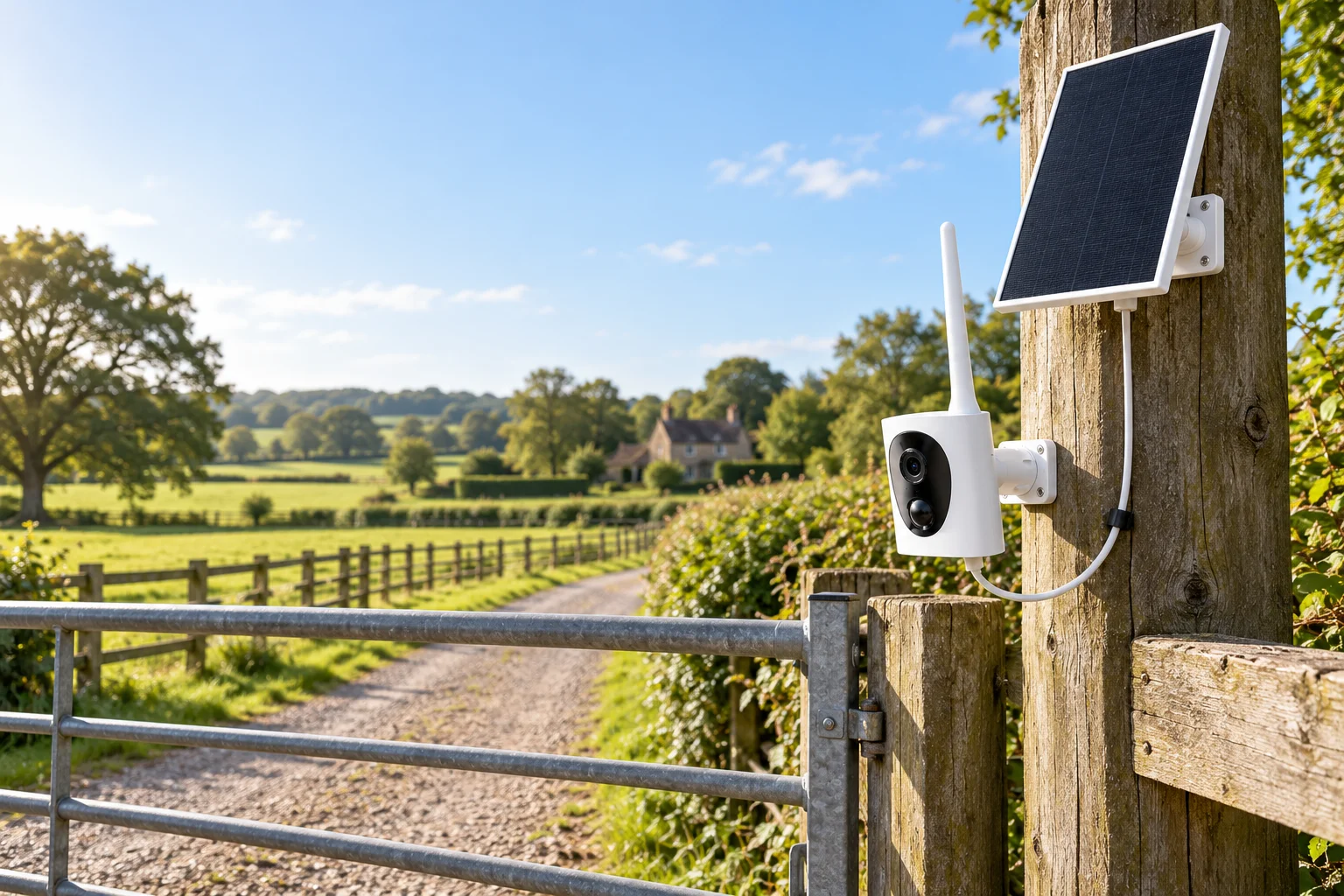
A camera near a fence works best when it watches a defined entry point or approach. One wide image does not necessarily give useful detail along an entire boundary. Start by deciding what you need to see at each gate, corner or access track.
This guide covers ordinary video-camera placement for property boundaries. MileFlask is not a thermal camera, and this guide does not claim automatic detection across a whole fence line.

Map useful views instead of counting fence posts
Watch where visitors or vehicles stop and enter.
See the route leading to the entrance.
Check what a building, bend or vegetation hides.
Walk the boundary and mark the specific areas that matter. Then choose camera positions with a useful angle on those areas. Avoid choosing a high position solely because it seems to cover more ground: distant subjects may occupy too little of the image, and a steep angle may hide useful detail.
A gate view and a long boundary overview can be separate camera jobs. Do not assume a single wide-angle camera can provide the same detail at every distance.
Check the view and the wireless path separately
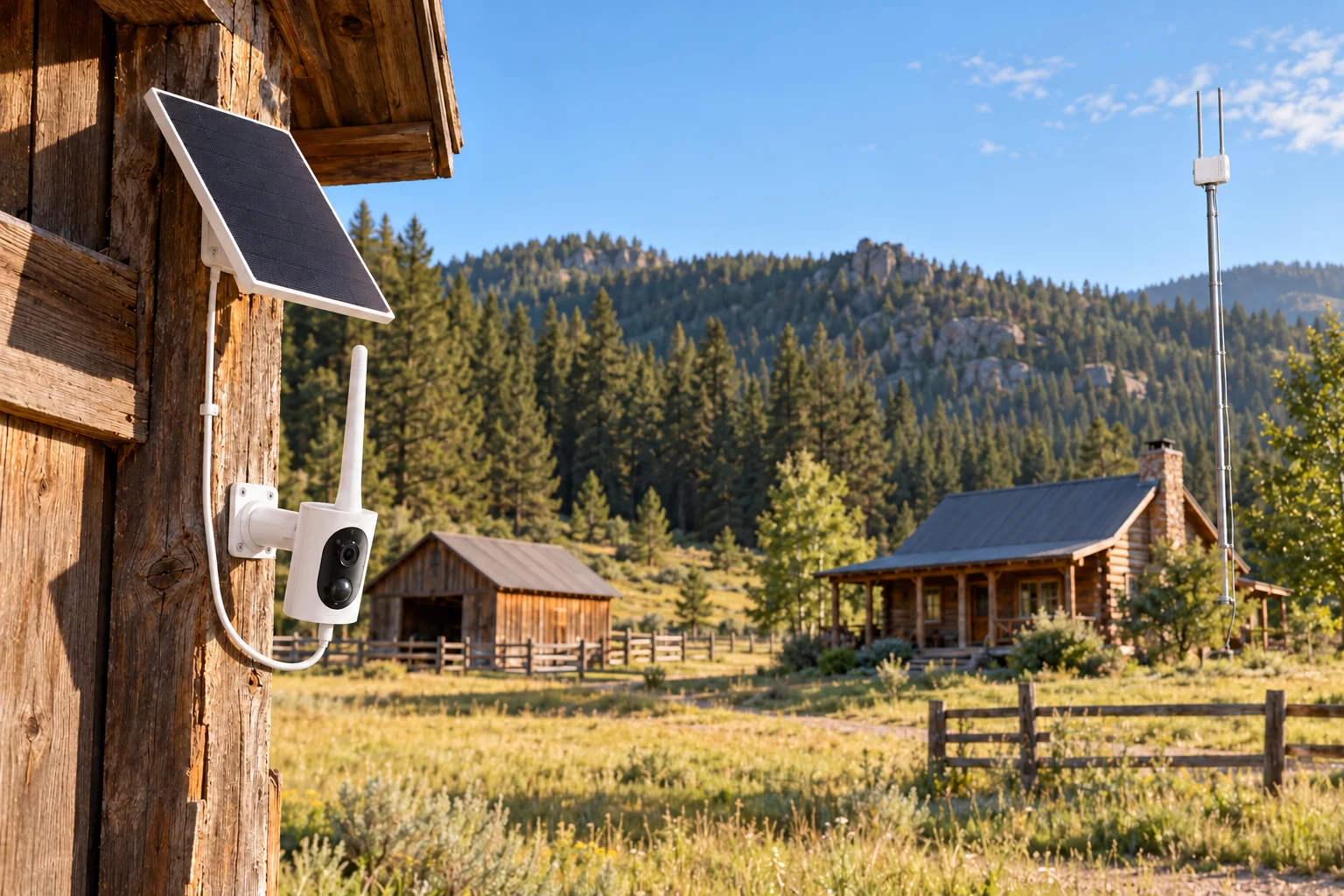
The camera lens needs a clear view of the target. Its radio link also needs a suitable path to the base station. Passing one check does not automatically pass the other. A camera might see the gate while a shed or rise in the ground blocks its connection to the house.
MileFlask cameras connect to MileHub over Wi-Fi HaLow. The link can reach up to one mile in suitable conditions: LOS required, with adequate Fresnel zone clearance. A visible line between antennas is only part of the check; the surrounding signal path also needs clearance.
Assess trees, terrain, buildings and metal structures along that route. An elevated, securely mounted pole may help find a clearer base position, but height alone does not guarantee reception. Test the proposed positions before treating a layout as final.
Plan power at both ends
A camera location with no outlet may suit a solar-powered camera. MileFlask pairs an 8W solar panel with a 4400mAh rechargeable battery. Position the panel for available sunlight; do not assume that a shaded fence line will keep the camera charged. Inspect the proposed spot at different times of day.
MileHub needs its own power source. Its 64GB eMMC storage supports local recording for up to eight connected cameras. The base also needs a suitable local network connection. Remote viewing requires internet at the base and on your viewing device; on-site LAN live view and playback are a separate use case.
Use a practical walk-through before adding more cameras
- Check the entrance. Walk and drive the usual route, then review how the subject appears in the image.
- Check the boundaries of the view. Look for gaps behind posts, vegetation, parked vehicles and structures.
- Check after dark. Review the actual image with the site’s normal lighting. Do not infer useful night detail from the daytime picture.
- Review a saved clip. Confirm the recording is useful for your intended question, not just that a live image appears.
- Check the connection from each position. Add a camera only when it addresses a view you actually need.
MileFlask provides 2560 × 1440 video, a 130° field of view and infrared night vision. These specifications do not establish a guaranteed person-identification distance or complete perimeter coverage.
Choose the next step for your property
- Gate or access track: plan a driveway installation.
- Fence near an outbuilding: review the barn placement guide.
- Unsure about the connection: read the HaLow buying guide.
Can one camera cover a whole property boundary?
Do not assume it can. Fence geometry, obstacles, required image detail and connection paths determine how many useful views are possible.
Is this a thermal fence-detection system?
No. MileFlask provides conventional video and infrared night vision, not thermal imaging or a guaranteed perimeter-detection system.