
MILEFLASK / WI-FI HALOW
Know the connection.
Choose the right site.
A useful camera system starts with a suitable path to its base. Understand the two sides of the network before choosing a kit.
- Home network to MileHub
- MileHub to the cameras
- Check the actual signal path

A Wi-Fi HaLow security camera system can help connect cameras beyond the useful coverage of your household Wi-Fi. Before choosing one, separate the wireless technology from the specific camera system: the standard alone does not promise a particular distance, video quality or storage feature.
What is Wi-Fi HaLow?
Wi-Fi HaLow is based on IEEE 802.11ah and uses sub-1GHz spectrum. It is designed for longer-range, lower-power connectivity. The permitted radio channels and operating requirements depend on the region. See the Wi-Fi Alliance technology introduction.
For a camera buyer, the practical question is whether the complete system can connect the chosen camera locations and provide the view, storage and power arrangement needed on that property.
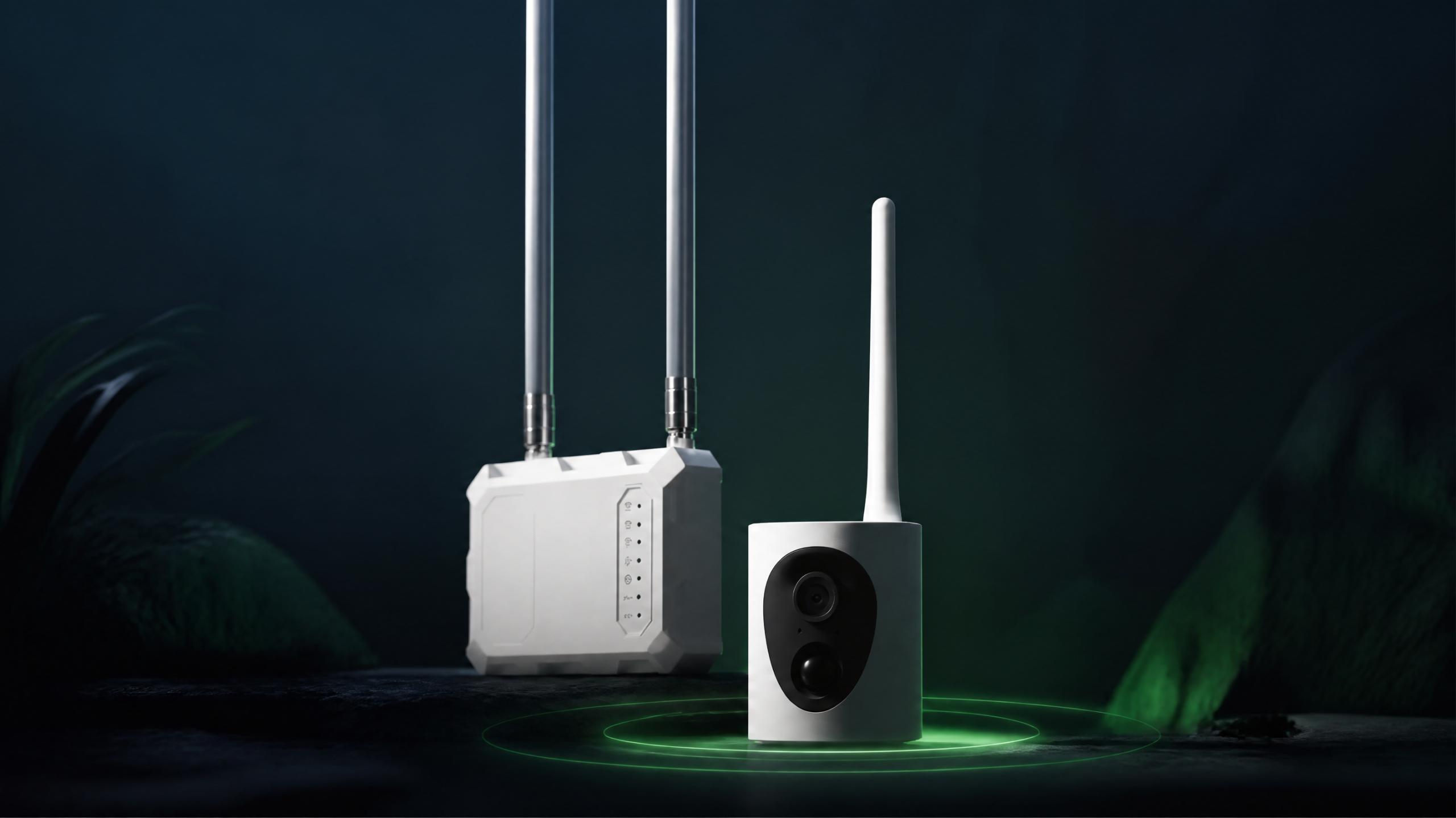
The base station makes the connection
Ethernet or home Wi-FiMileHub
Home-network connection and local storageMileFlask
Wi-Fi HaLow camera-to-base link
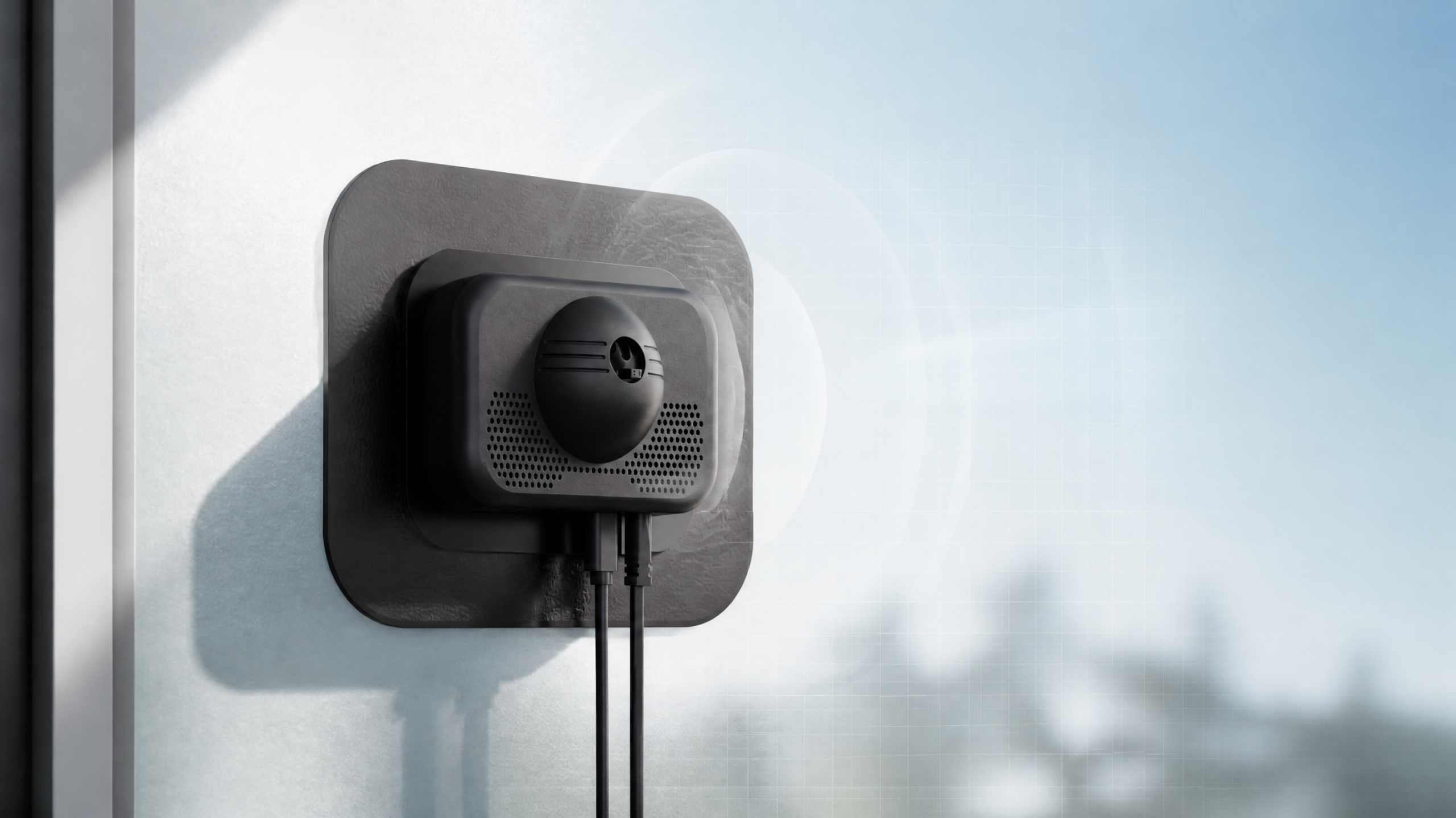
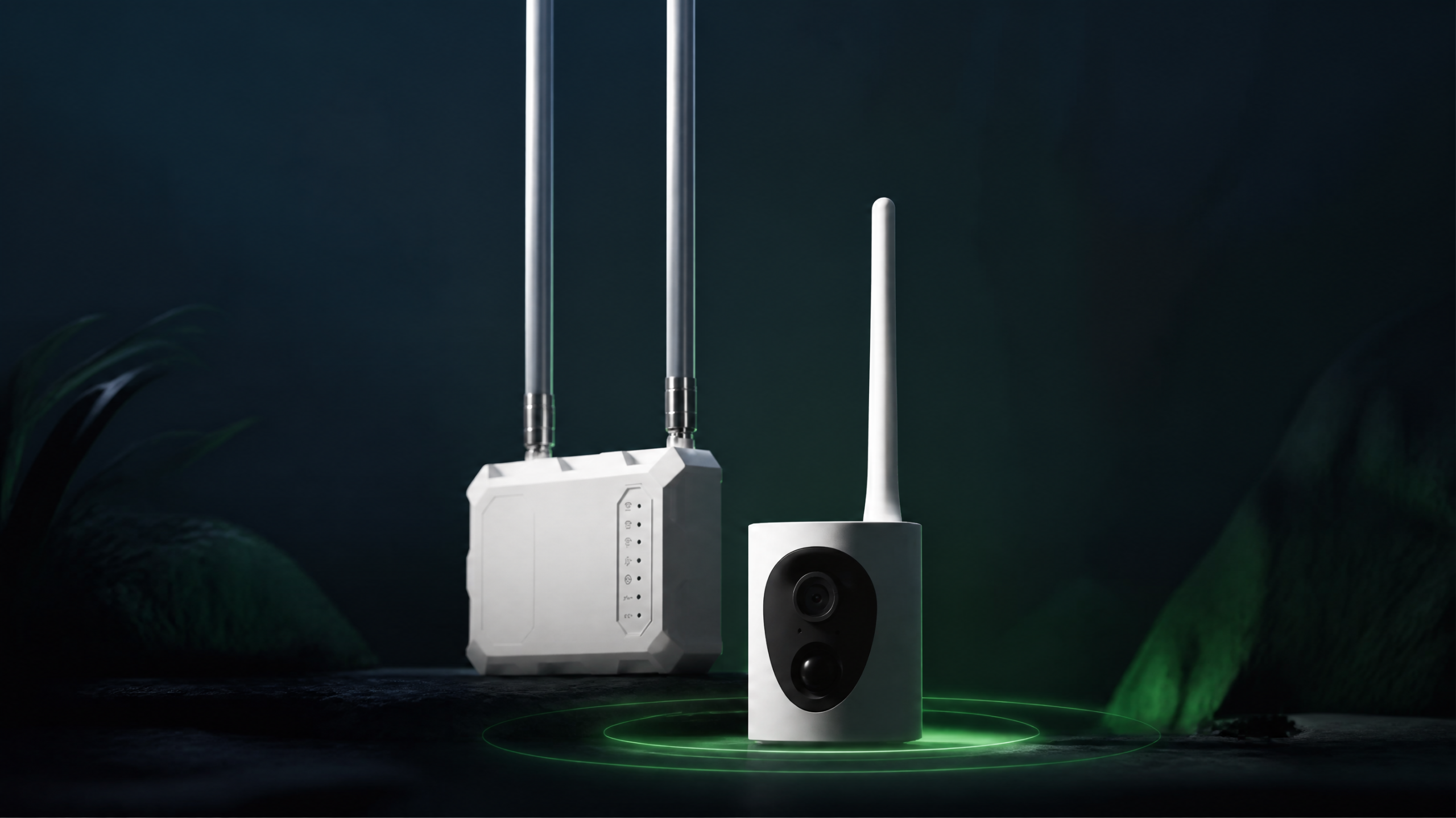
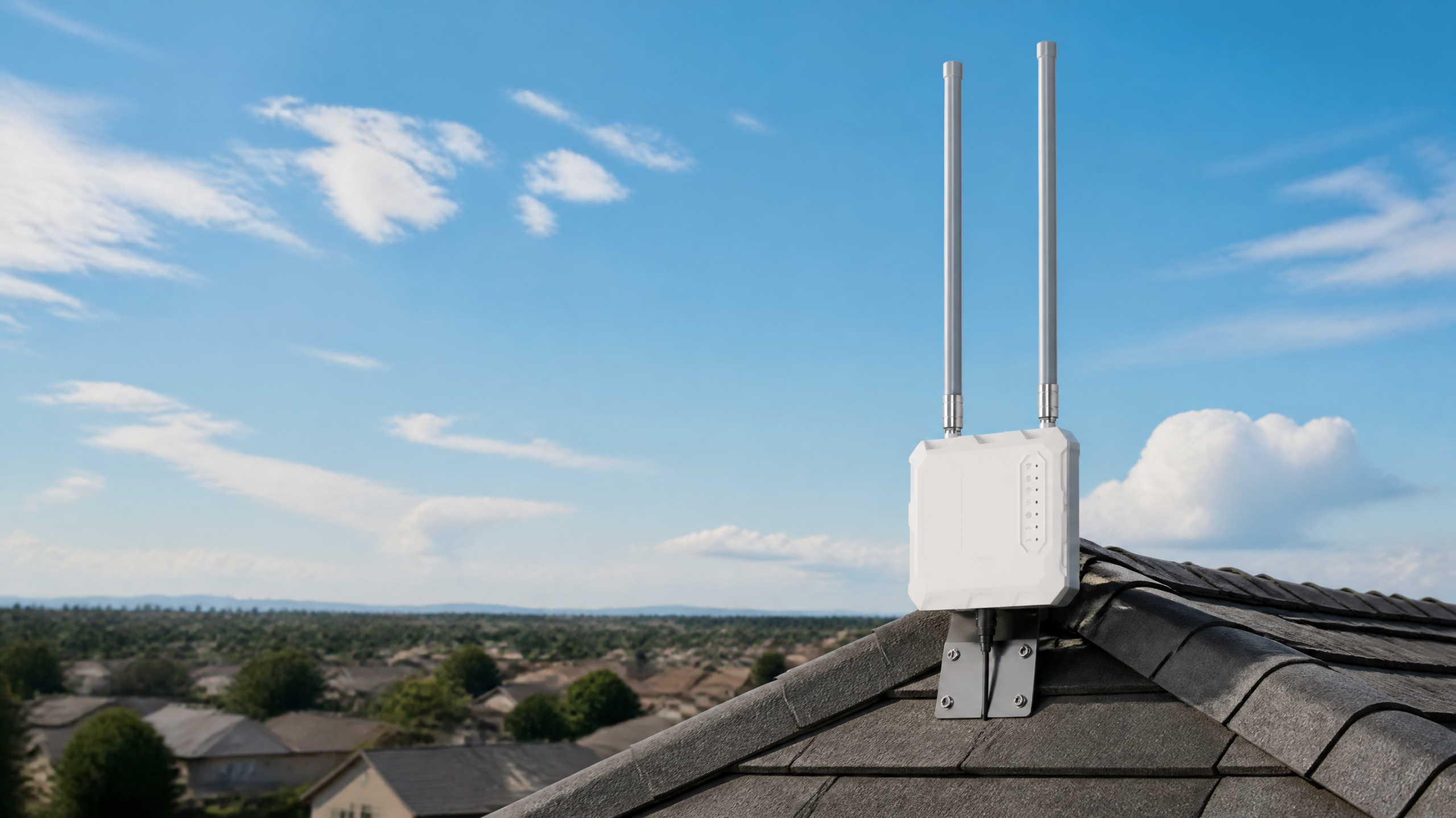
MileFlask cameras connect to MileHub, not directly to a normal home Wi-Fi router. MileHub supports Ethernet and 2.4GHz/5GHz Wi-Fi 6 on the home-network side. The separate HaLow link serves the cameras.
What does up to one mile mean?
For MileFlask, the stated capability is up to 1 mile between camera and MileHub. LOS is required, with adequate Fresnel zone clearance. You need a clear view between the devices and adequate open space around that line.
A tree line, a slope or a building can make a shorter route unsuitable. We do not use a universal “times farther” comparison, a guaranteed wooded-terrain distance or an unverified field-test benchmark to predict your site.
Plan the base station on a suitable elevated pole with power and a network connection. Check the actual path and test before committing to permanent mounting. See the signal-path explanation and setup guide.
Which setup fits your location?
| Situation | What to assess |
|---|---|
| Camera close to home | Existing Wi-Fi may be sufficient. Check coverage and power at the actual position. |
| Distant gate or barn with an open path | A camera-to-base system may avoid extending ordinary Wi-Fi to every camera. Check the link and solar placement. |
| Reliable cellular service but no local network | A cellular camera may be an option; confirm coverage, data-plan costs and storage. |
| Blocked path or permanent powered infrastructure | Assess cabling or an appropriately designed bridge solution. HaLow does not remove terrain constraints. |
MileFlask specifications that affect buying decisions
- Video: 2560 × 1440 resolution, 130° field of view, H.264.
- Camera power: 4400mAh rechargeable battery paired with an 8W solar panel. Available charging depends on conditions.
- Outdoor camera enclosure: IP65.
- Storage: 64GB eMMC in MileHub, rather than a microSD card in each camera.
- System size: up to eight cameras per MileHub.
Internet, LAN viewing and monthly costs
The app supports local live view and playback on the same LAN as MileHub without internet. Viewing away from that LAN requires internet at MileHub and on your viewing device. Do not confuse an internet outage with loss of local power or a failed camera link.
The camera link needs no SIM or cellular data plan, and local recording does not require a storage subscription. Home internet and optional paid services remain separate costs.
Choose by the place you need to watch
- Barns and outbuildings — check the path from the home or powered base location.
- Driveways and entrance gates — identify the useful view, not just the maximum distance.
- Properties using Starlink — connect the base to the home network, then assess each camera link.
Do I need to replace my home router with a HaLow router?
MileHub provides the camera-side link and connects to the existing home network. Check the available Ethernet or Wi-Fi connection at your installation.
Is a one-mile link guaranteed at every property?
No. It requires line of sight and adequate Fresnel zone clearance; terrain, structures, trees and placement matter. Test the planned location.
Where are recordings stored?
MileHub includes 64GB eMMC local storage. This guide does not claim continuous recording duration or an additional camera microSD slot.